

Hours that add up. No chasing required.
Every clock-out, correction and manual entry lands on a single approval list. You approve, the system calculates the balances and your bookkeeping gets a ready-made export.
Every request on a single approval list
Clock-outs, hour changes, manual entries and unavailability: everything arrives in one place, with filters that take you straight to what's urgent.
- Four types of requests — clock-out, hour change, manual entry and unavailable
- Edit before approving — adjust times before you sign off
- Smart filtering — by employee, type, status, date or free-text search
- Urgency at a glance — counters for open, urgent and handled today

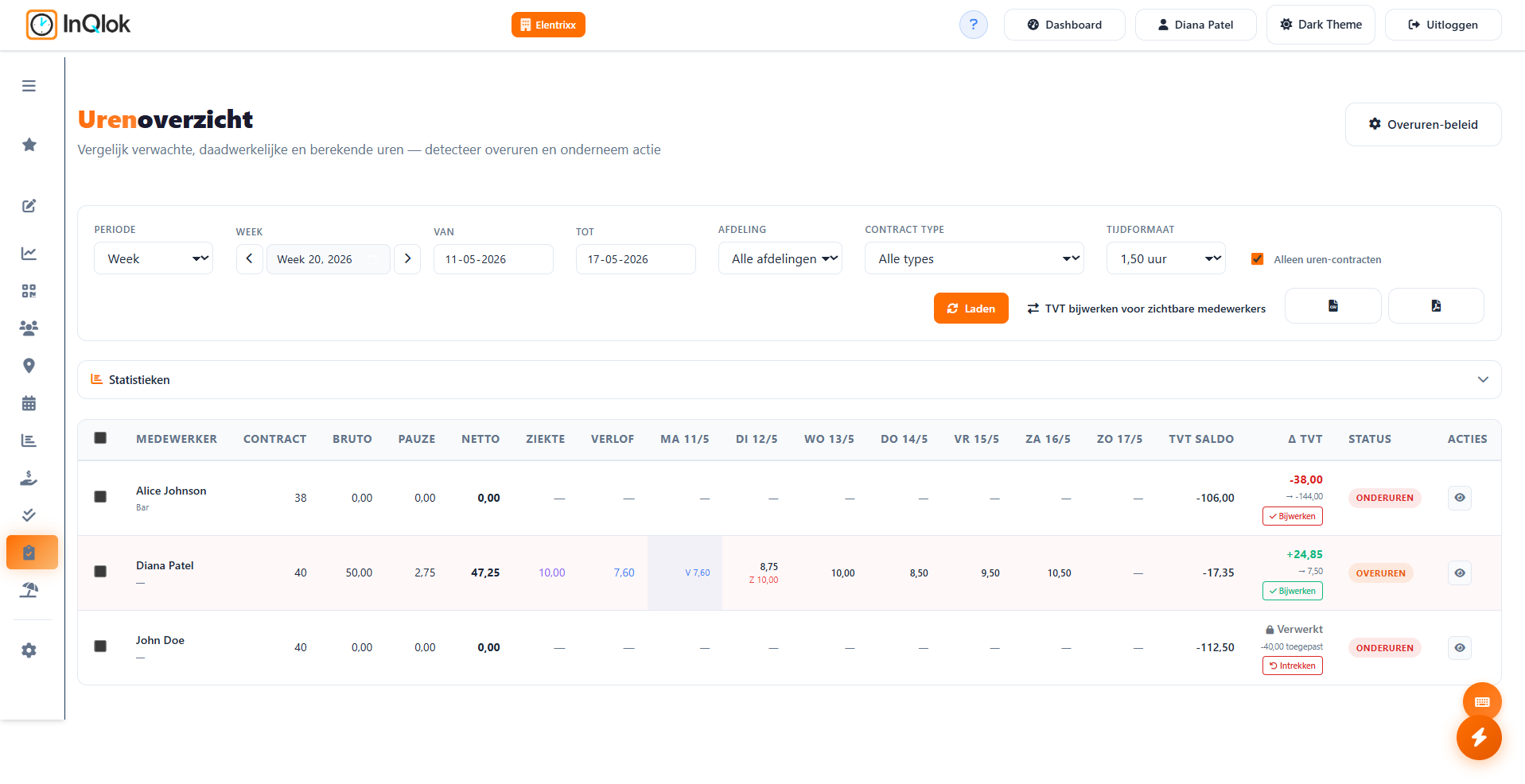
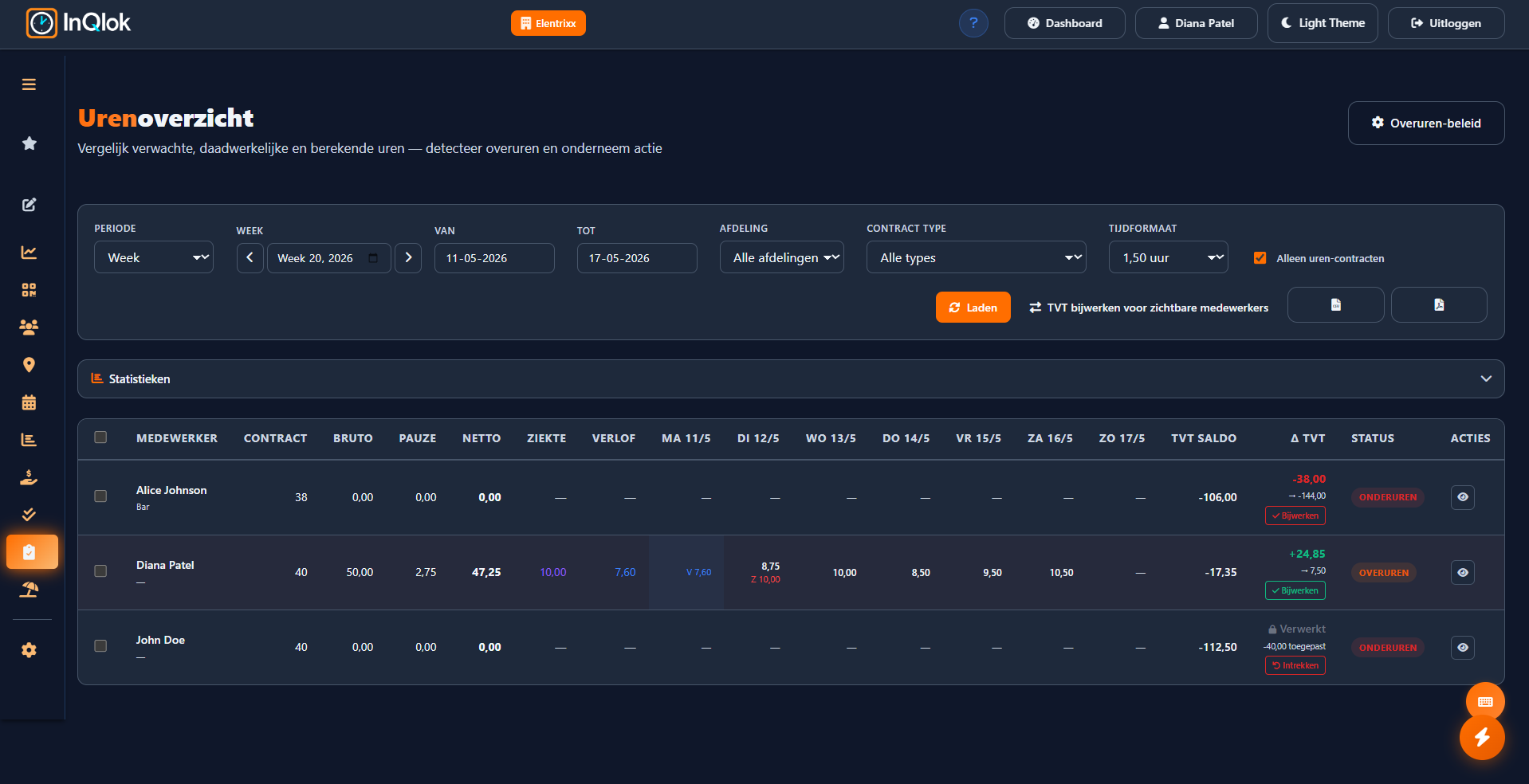
An hours overview with balances that keep themselves up to date
Net hours worked next to contract hours, with automatic plus/minus (overtime) and time-for-time (TVT) balances. The reference work you used to keep in a spreadsheet.
- Net hours per employee — with configurable counting of sick and leave hours towards the contract
- Plus/minus (overtime) and TVT balance — overtime and time-for-time calculated automatically, with corrections per employee or in bulk
- Mark as paid out — record when plus hours have been paid out
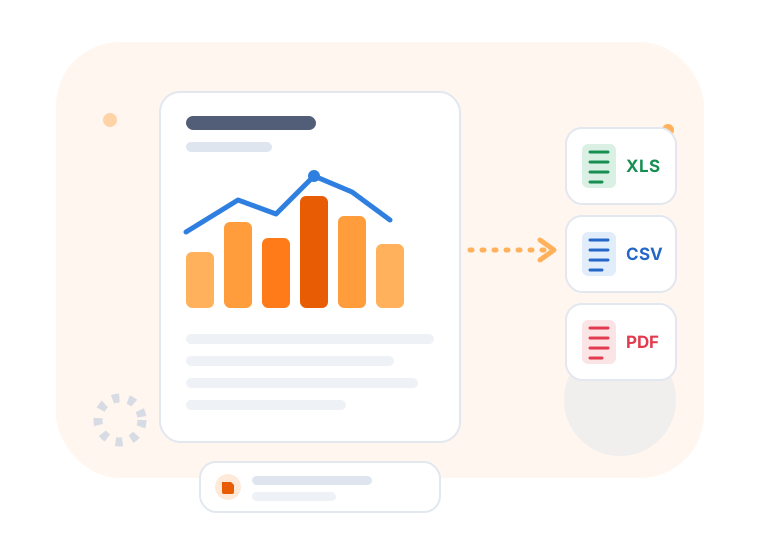
- Export to CSV and PDF — and for a monthly period, send straight to Employes.nl

Reports for payroll administration
A four-step wizard builds exactly the hours report you need — and saves it for next time.
- Step by step — choose the period, employees, filters and review the result
- Select by department — or all employees, or a manual selection
- Excel export — ready to hand to your accountant or payroll package
- Save reports — store reports and reopen them later
Employees see their own hours
No more questions like 'how many hours am I at this month?' — the answer is right there in the app.
- Chart per week or month — hours worked per day, clearly visualised
- TVT history — employees with contract hours see their time-for-time accrual
- Request a change — if something's off, the employee submits a correction themselves
- Enter manual hours — for work off the clock, always subject to approval

From clock-in to payslip
Rounding rules
Decide for yourself how clock times are rounded, so the records match your payroll agreements.
Breaks deducted
Break times are automatically deducted from the hours worked according to your break settings.
Per day or per week
View approvals per day, per week or all at once, with week navigation.
Who can approve
Grant managers per-permission access to approving and exporting.
Employes.nl integration
Activate the integration with your Employes Company ID and forward monthly hours with a single click.
Fully traceable
Every approval and correction can be traced back, including who changed what and when.
Never recount hours on a Friday afternoon again
Request a demo and see how approval, balances and export become one seamless process.
30 days free · No credit card required · Cancel monthly