

Leave balances that add up. In line with your CAO.
From statutory leave to time-for-time: InQlok tracks what each employee has accrued, taken and what's about to expire — and you approve requests with a single click.
CAO-aware from day one
Pick your collective labour agreement (CAO) sector and InQlok applies the right rules: accrual, carry-over and expiry are handled automatically.
- CAO profile per company — the sector determines the leave rules
- Statutory and above-statutory leave — separate accrual and balances per type
- Leave periods with a start date — annual periods with their own balances and expiry dates
- Configurable TVT expiry — time-for-time (TVT) with its own expiry term
- Carry-over rules — decide what may be carried into the next period

Request and approve without the email back-and-forth
Employees request leave in the app, you approve or decline with a note. Balances are updated instantly.
- Requests in the app — pick a leave type, choose the dates and the hours are calculated automatically
- Eight leave types — from statutory leave and time-for-time (TVT) to special leave, short absence, ADV and unpaid leave
- Approve or decline — with an optional comment for the employee
- Status always visible — requested, approved or declined, with counters per status

Balances and absence firmly under control
For the exceptions you have the right tools: add or deduct hours, correct balances and register sick reports — all fully traceable.
- Balance overview per employee — statutory, special, sickness and TVT side by side
- Add, deduct and correct — manual adjustments with full history
- Sick reporting — register sickness straight from leave management
- FIFO usage with an audit trail — oldest leave first, and you can always trace which hours were used for what
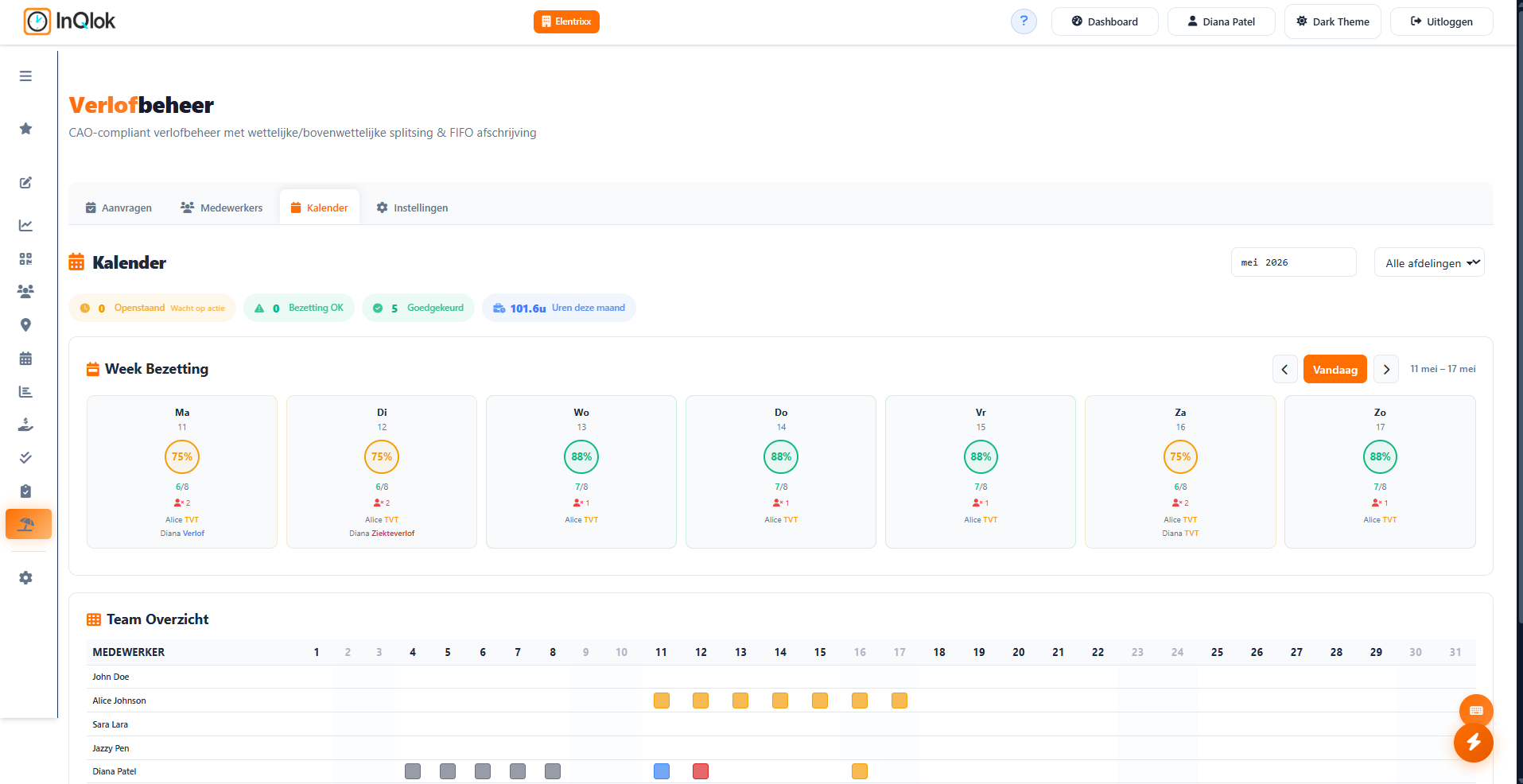
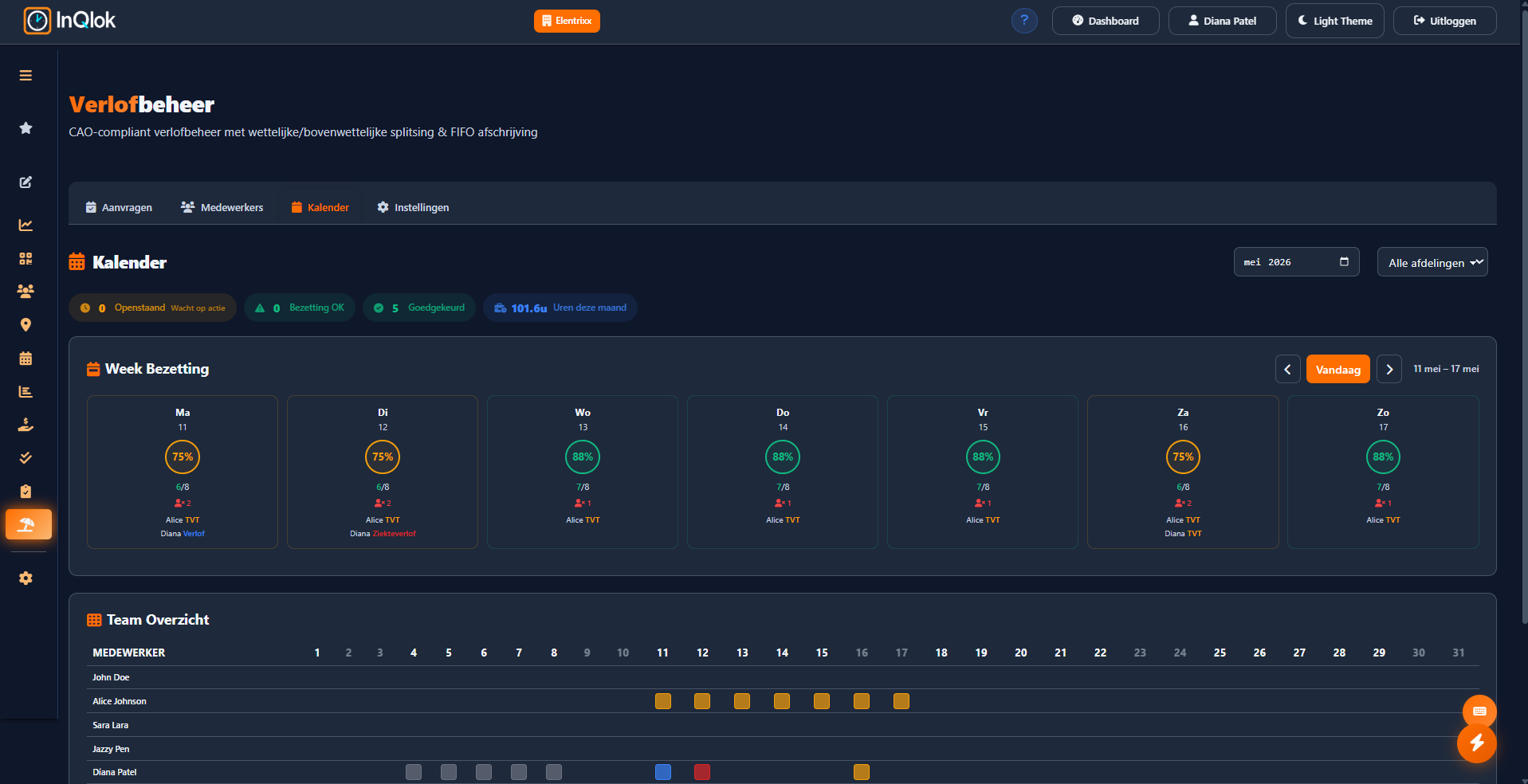
- Leave calendar — view an employee's leave period in calendar form

No surprises at the end of the year
Expiry dates monitored
For each period it's clear which leave expires when, for employees too.
Time-for-time
TVT accrued from overtime automatically comes back as a balance you can take.
Periods & expiry overview
Employees view all their leave periods with balance bars and carry-over to the next period.
Comment with every decision
If you decline a request, the employee sees your comment alongside it.
Roster conflicts flagged
The roster planner automatically warns when a shift overlaps with approved leave.
Complete history
Every booking, correction and approval can be found in the transaction history.
Leave administration without the spreadsheet?
Request a demo and see how balances, requests and sick reports stay in order by themselves.
30 days free · No credit card required · Cancel monthly