

Splitting tips. Fair and argument-free.
No more counting jars and no more hard feelings: InQlok splits tips automatically based on hours actually worked, with a transparent overview for you and your team.
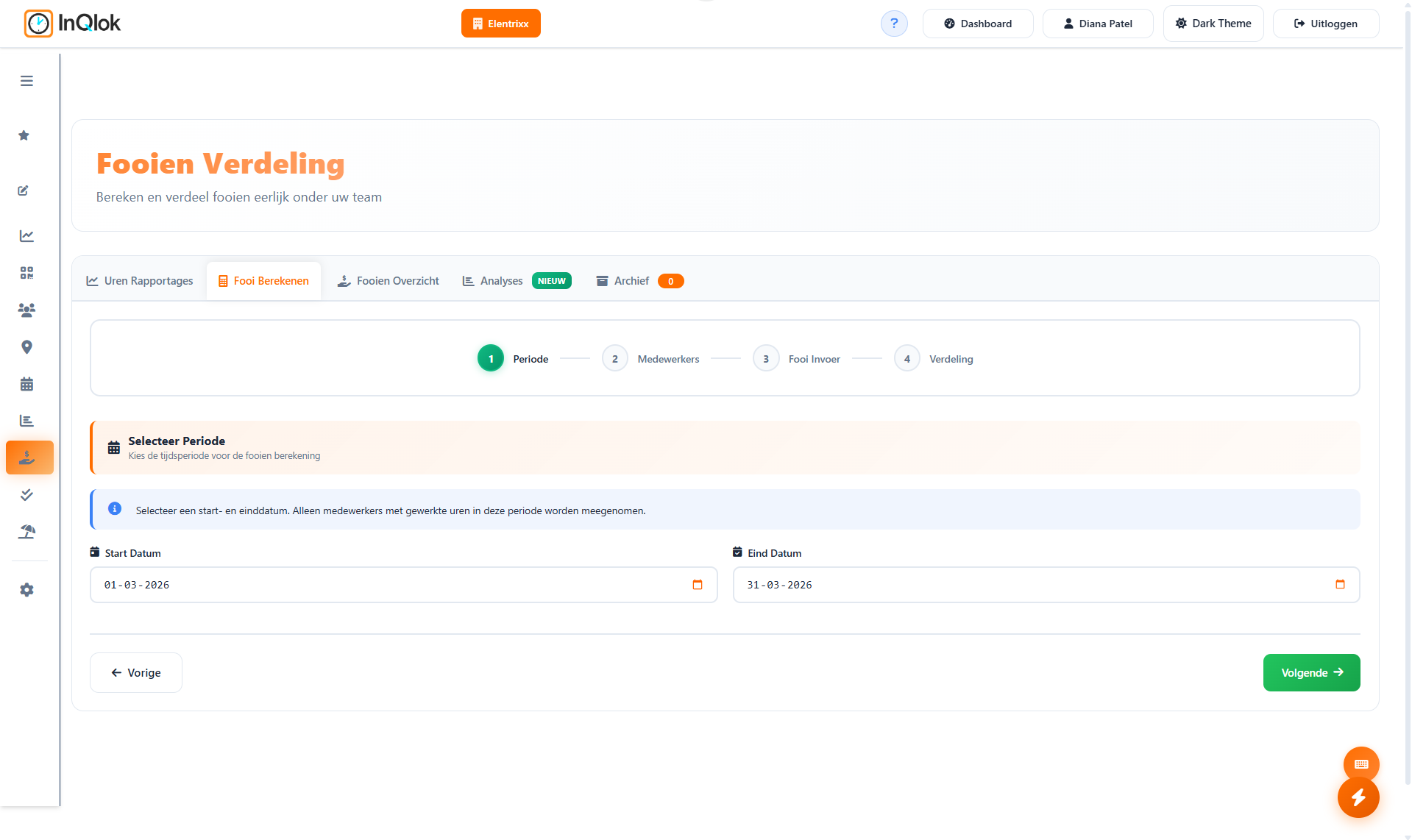
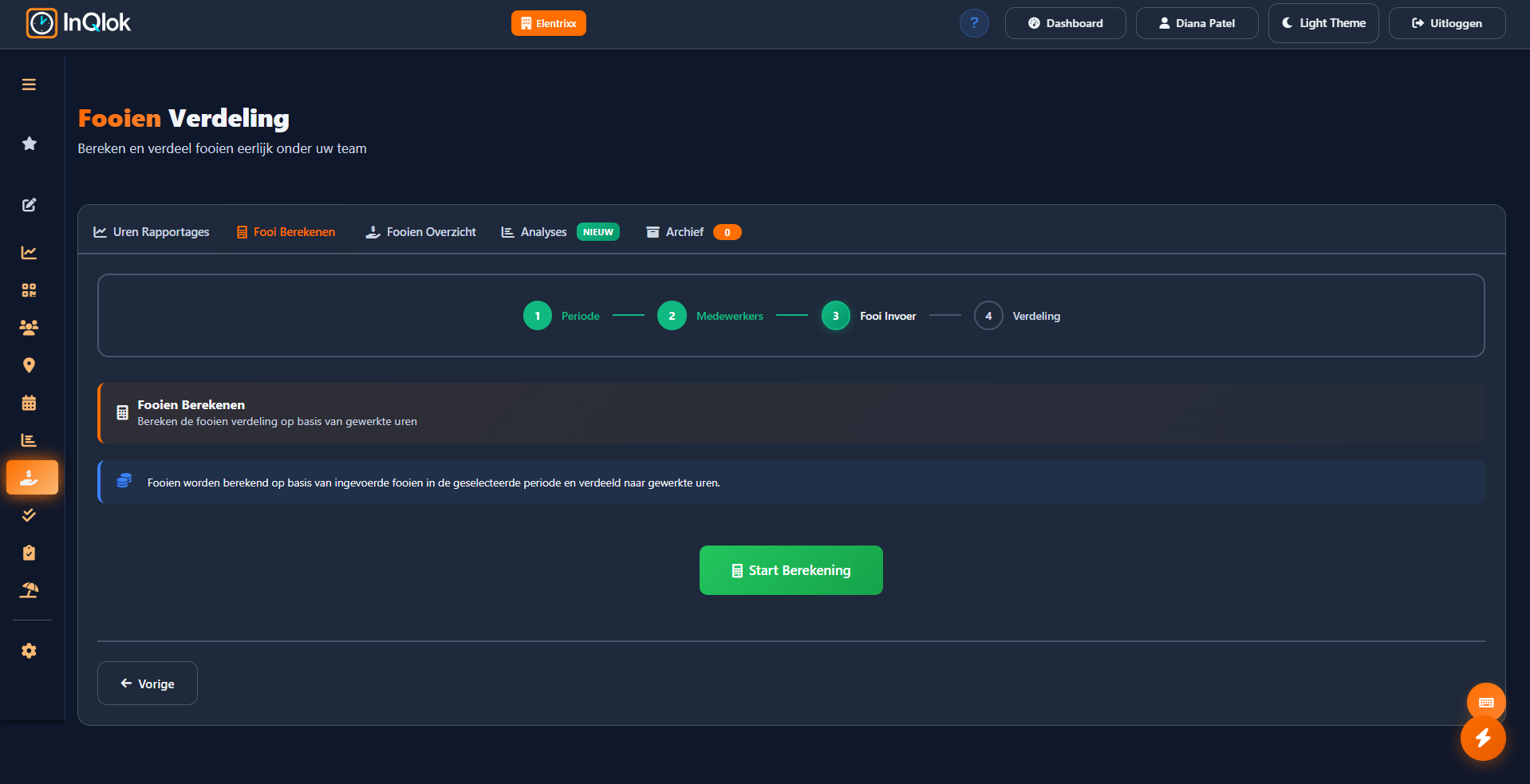
A wizard that does the math
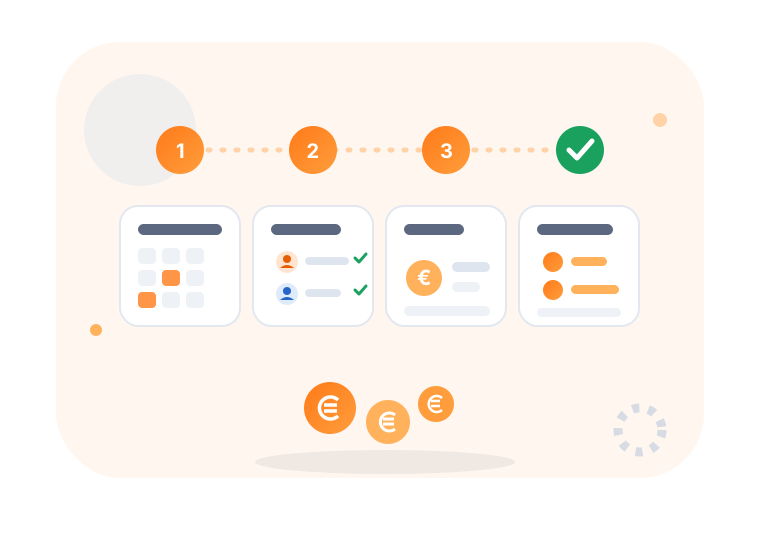
From tip jar to a per-employee split in four steps — based on who actually worked.
- Step 1: pick a period — quick picks like today, last week or last month, or a custom range
- Step 2: select employees — everyone, by department, by contract type or a custom selection
- Step 3: enter tips — amounts per date, entered manually
- Step 4: distribute — automatic split by hours worked, with room for manual adjustment
Your team sees exactly what's waiting for them
Transparency prevents arguments. Employees see in the app what they can collect, what has already been paid out and what the past months looked like.
- Ready to collect — outstanding tip amount visible at a glance
- Collected this month — plus a total for the last three months
- Full history — every payout with date and amount
- Enter tips at clock-out — cash tips are linked to the right day straight away

Insight and a watertight archive
Every distribution is kept on file. That way you spot trends in your tips and can always look back at how a period was split.
- Monthly total and outstanding — see what's still owed at a glance
- Analytics — top earners per employee and your best tipping days
- Archive — every completed distribution, always easy to find
- Linked to hour reports — distributions build on your saved time-tracking reports

Sorted down to the last cent
Split by hours
Whoever worked more hours automatically gets a bigger share of the pool.
Manual adjustments
Want to deviate from the calculation? Adjust amounts per employee before you finalize.
By department or contract
Split only within front-of-house, or exclude certain contract types.
Recorded per date
Tip entry per day, so busy nights count fairly.
Outstanding amounts tracked
Counters for open distributions and outstanding amounts, so nothing slips through.
Everything archived
Completed distributions don't disappear — the archive keeps the tally.
Done with the tip-jar hassle?
Request a demo and see how a week of tips gets split fairly in just a few minutes.
30 days free · No credit card required · Cancel monthly