InQlok in pictures. Real screens, no mockups.
This is what InQlok really looks like: the admin panel you run your business with and the app your team clocks in with. Toggle the theme in the top right to see every screen in light or dark mode.
The admin panel
Everything you and your managers need: from live dashboard to reports.
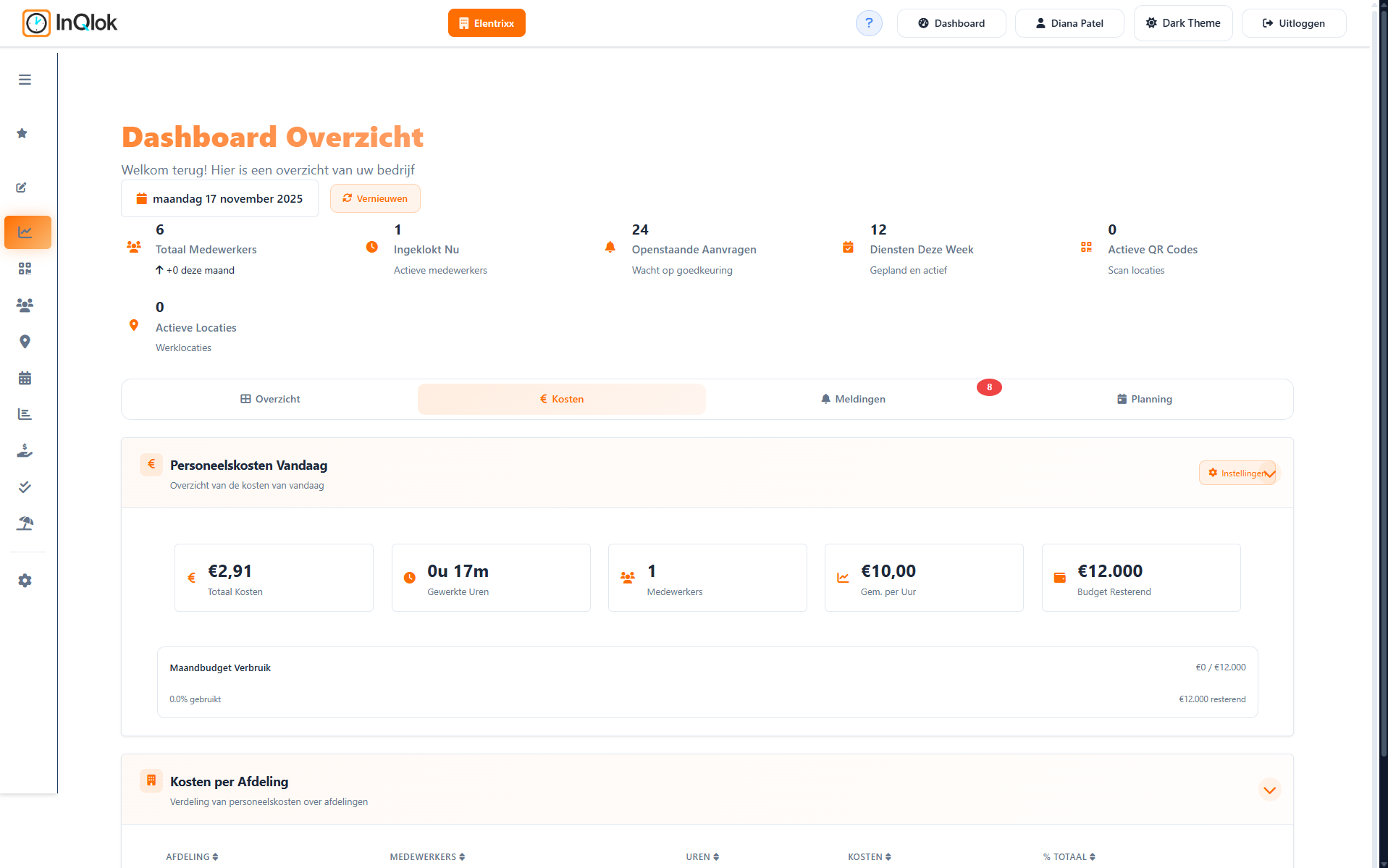
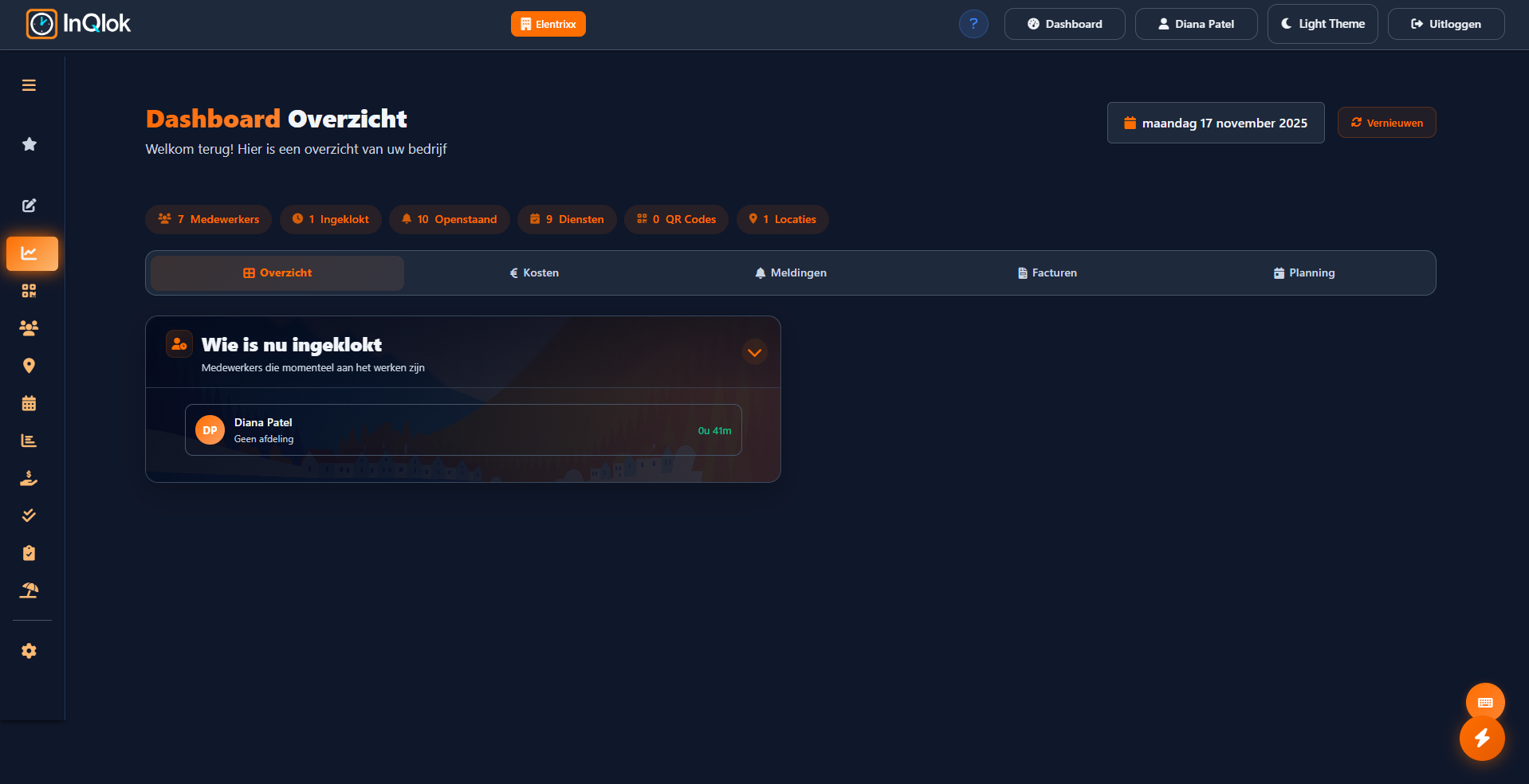
Live dashboard
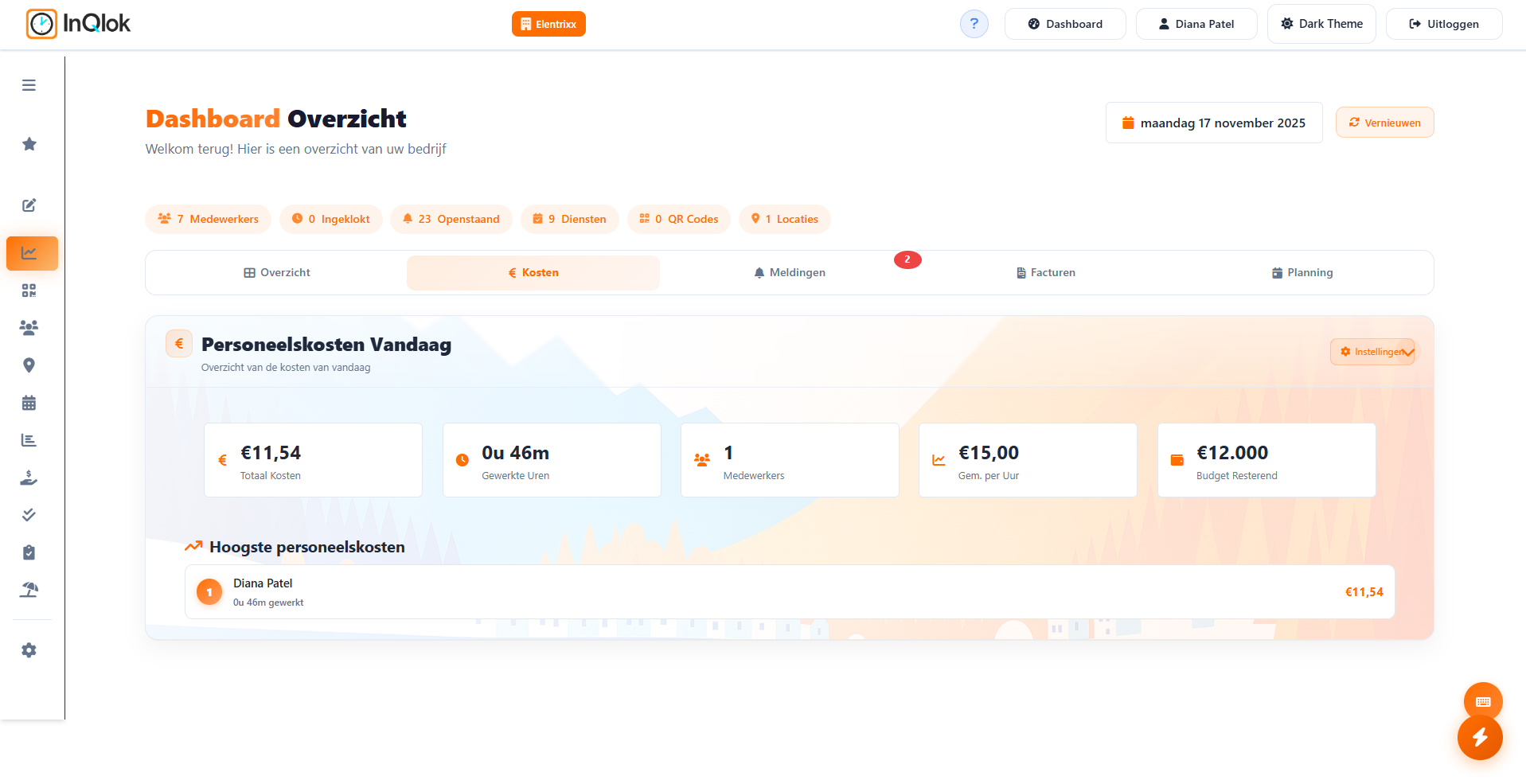
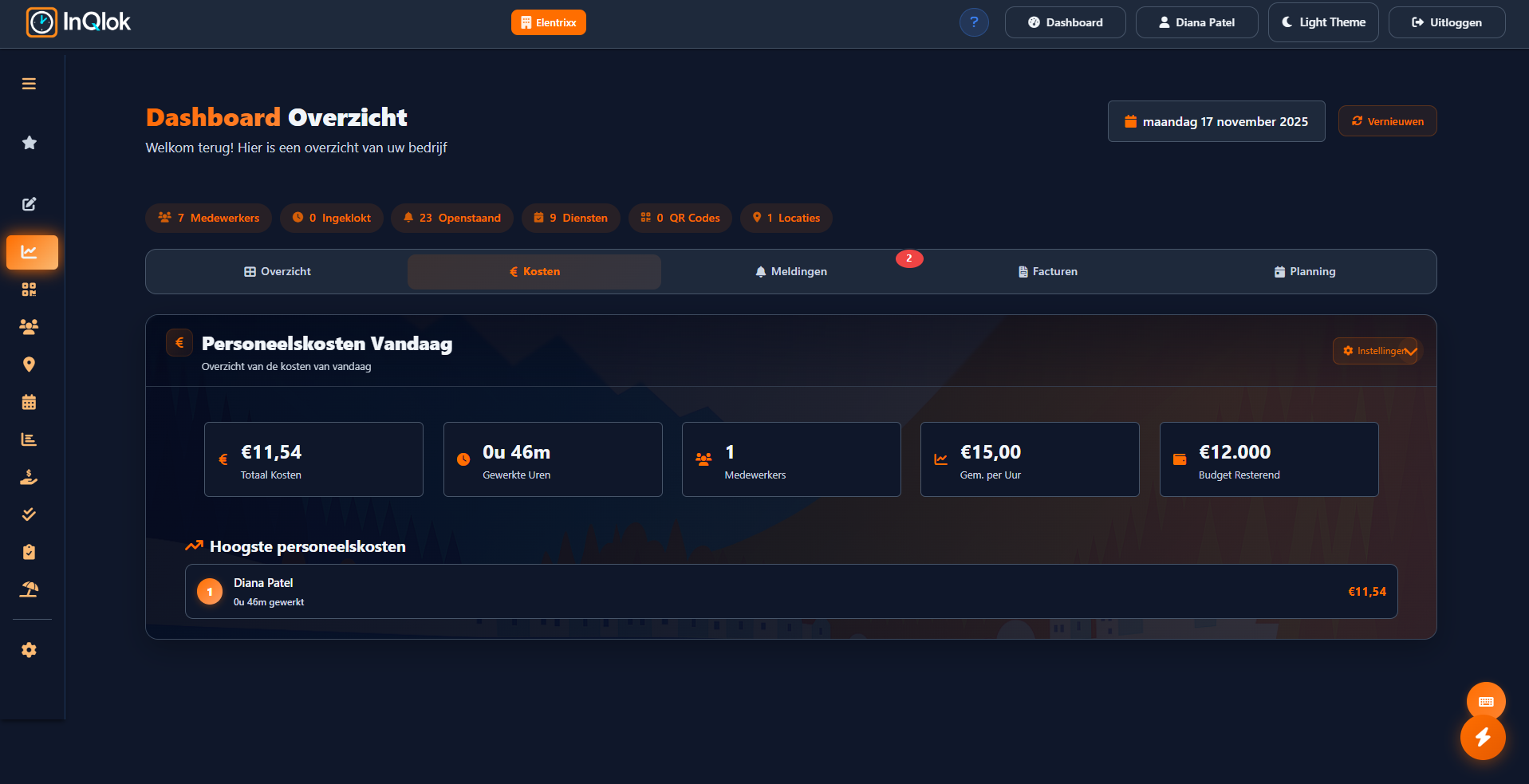
See at a glance who is clocked in right now, which QR codes are active and today's staff costs.
Roster planner
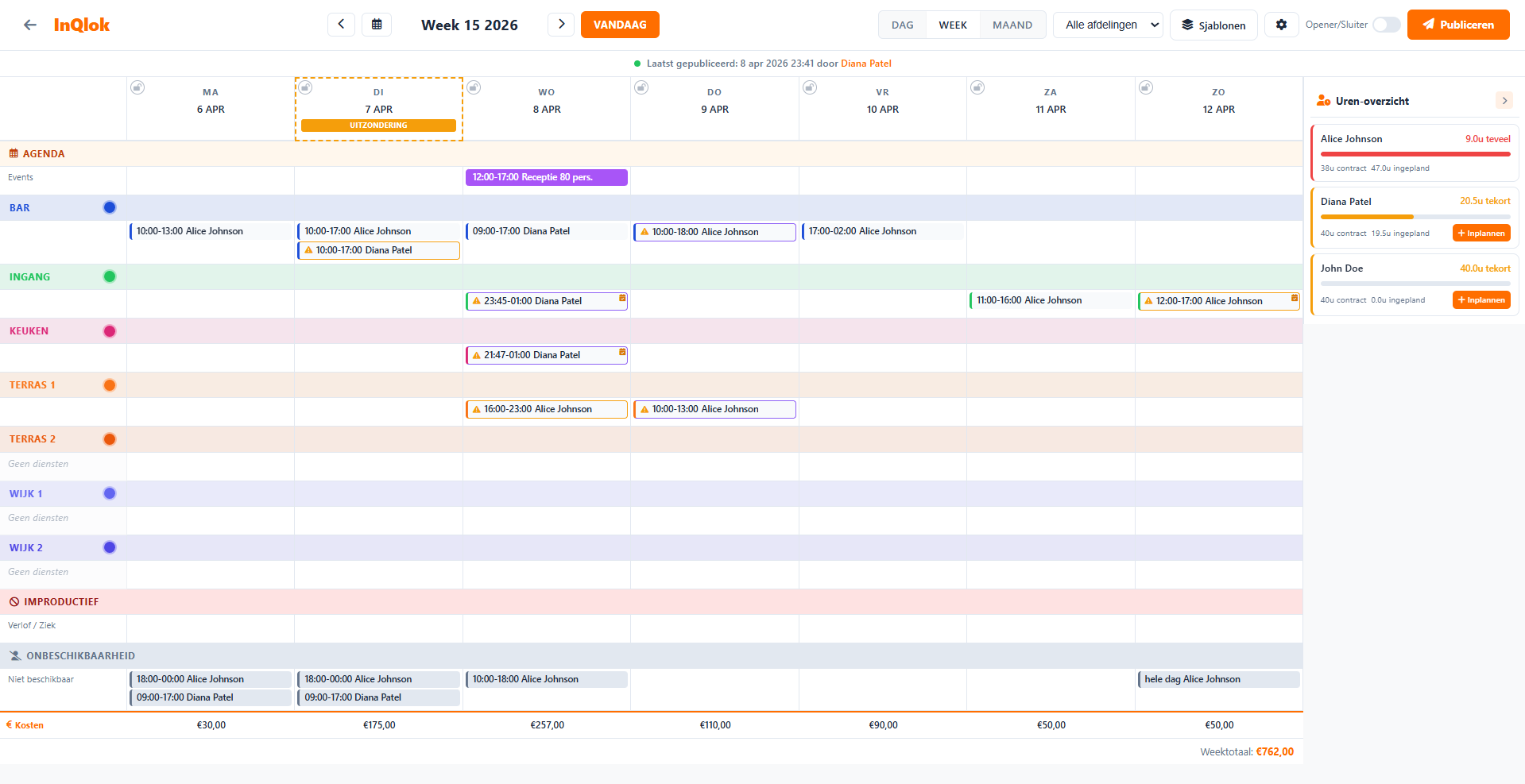
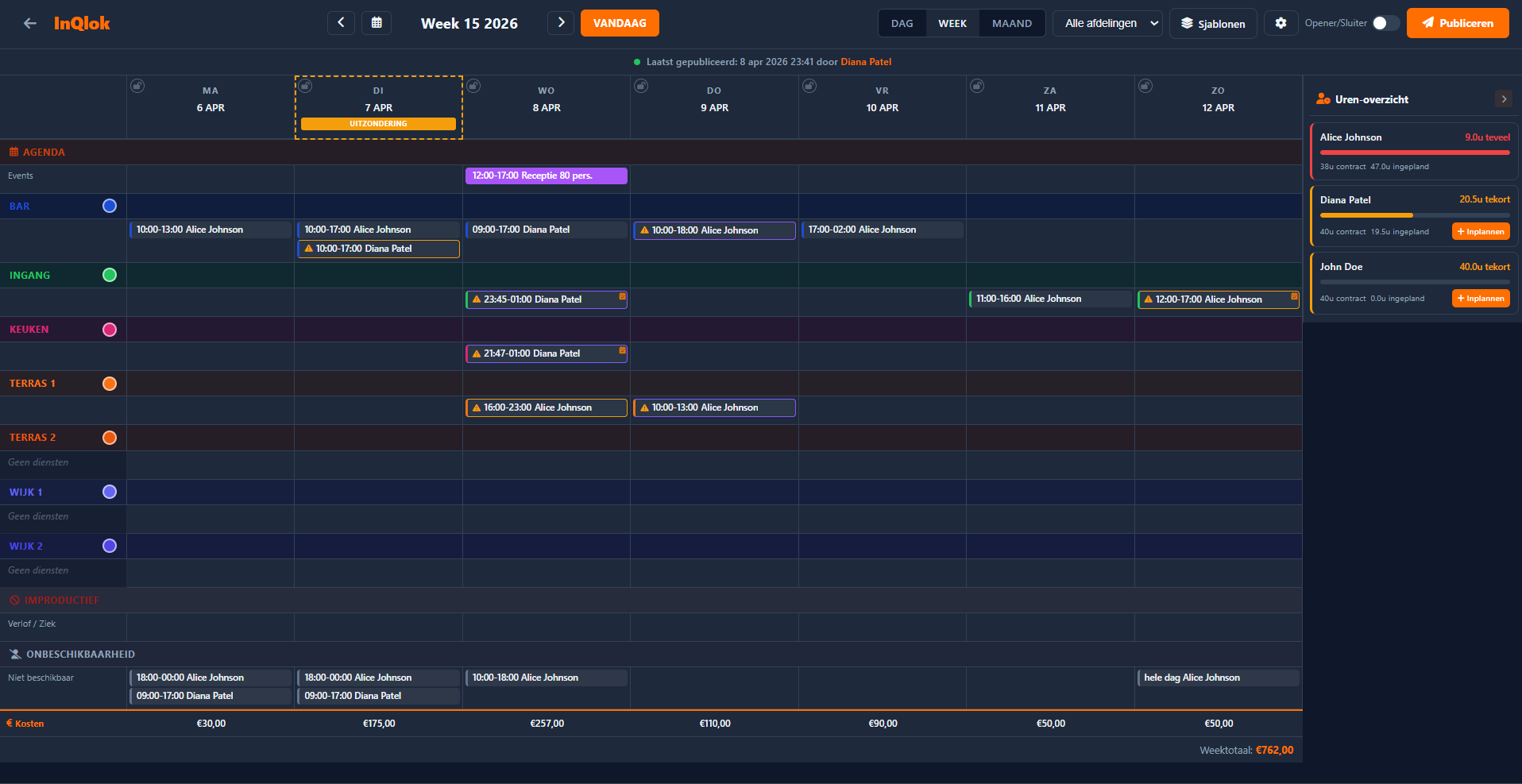
Weekly schedule per department with colour codes, open shifts, templates and conflict detection.
Labour costs
Estimated labour costs per day and per week, so you see what the roster costs while you plan.
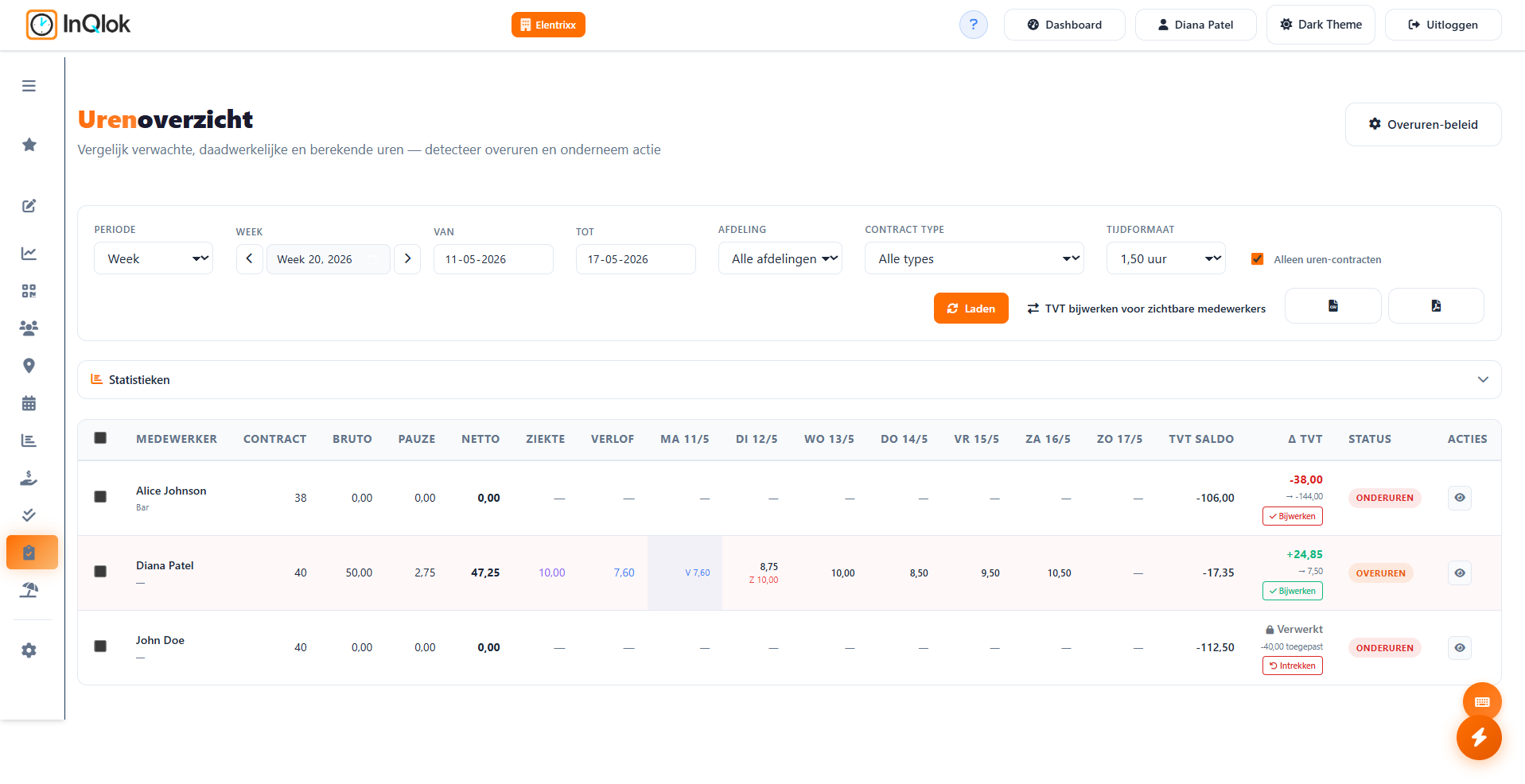
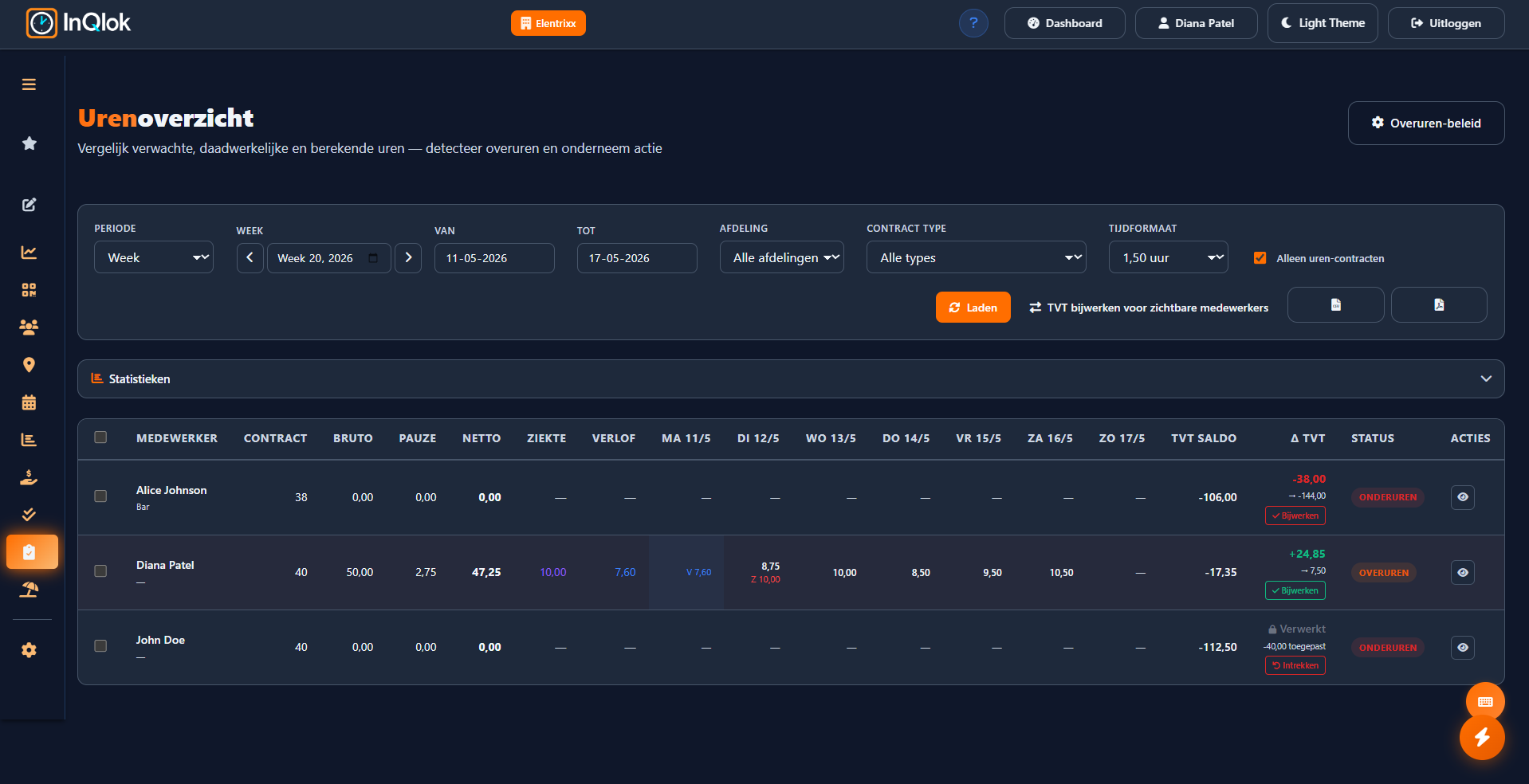
Hours overview
Net hours worked next to contract hours, with automatic plus/minus and time-for-time balances per employee.
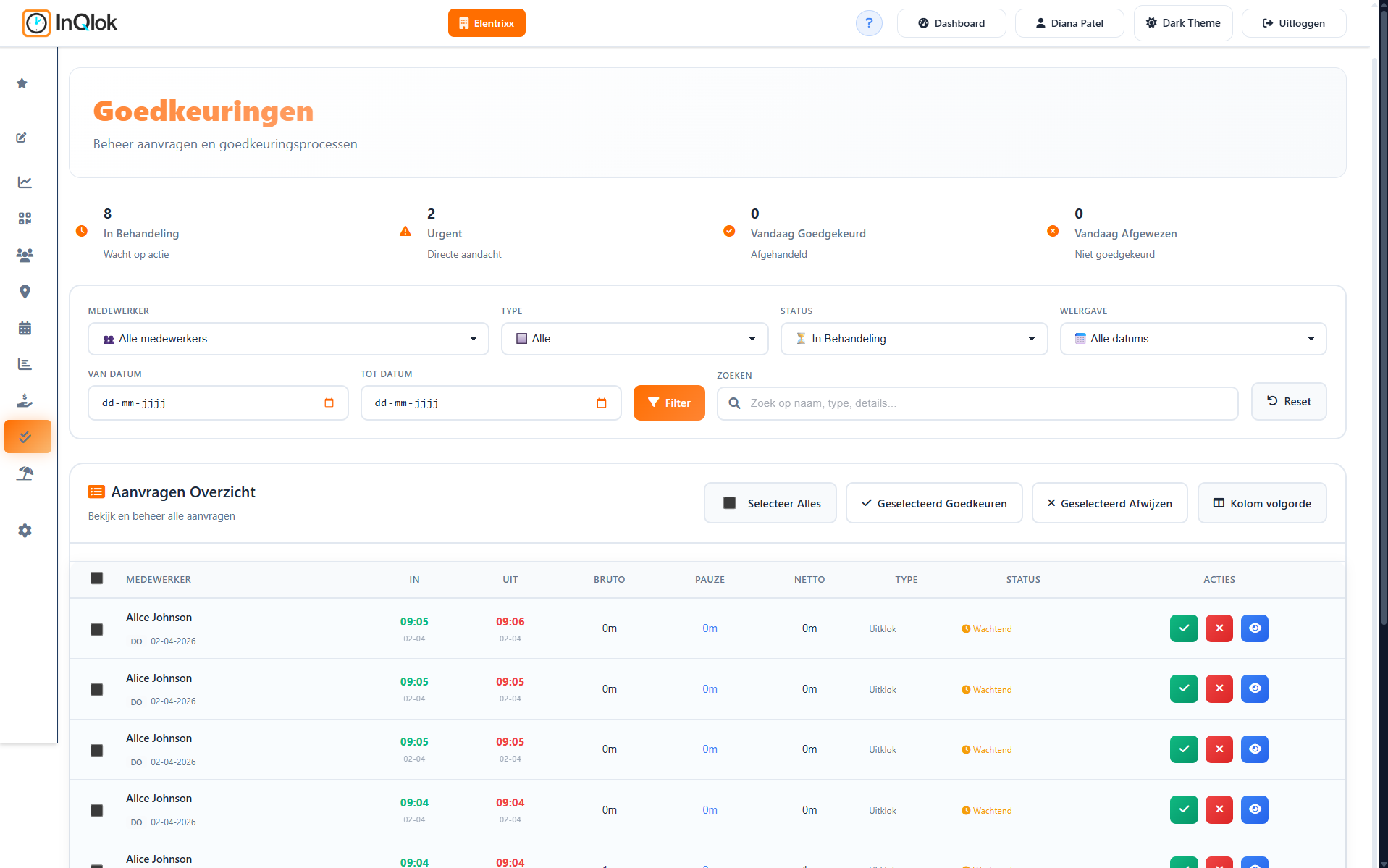
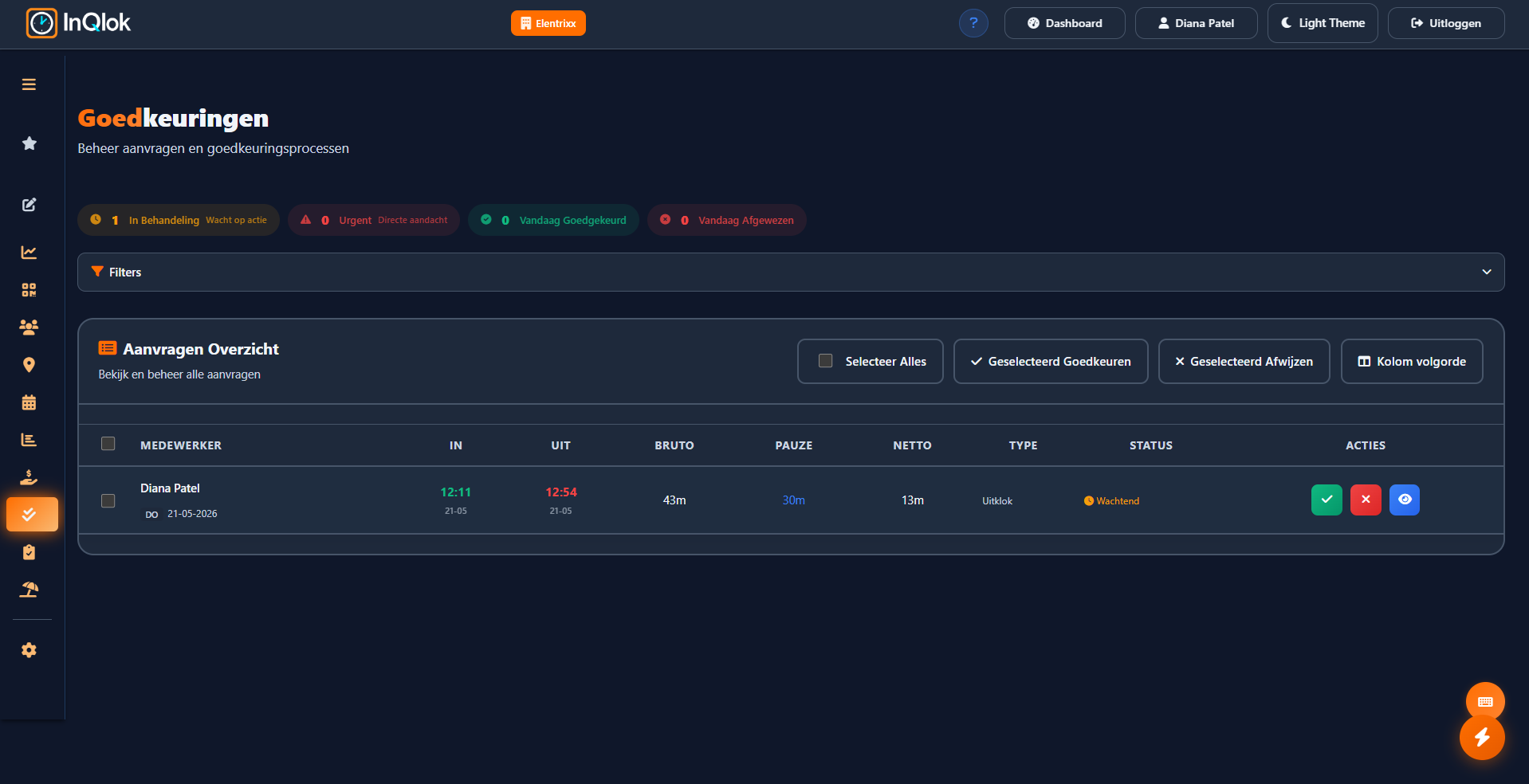
Approving hours
Review clock-outs, hour changes, manual entries and unavailability on a single list, with smart filters.
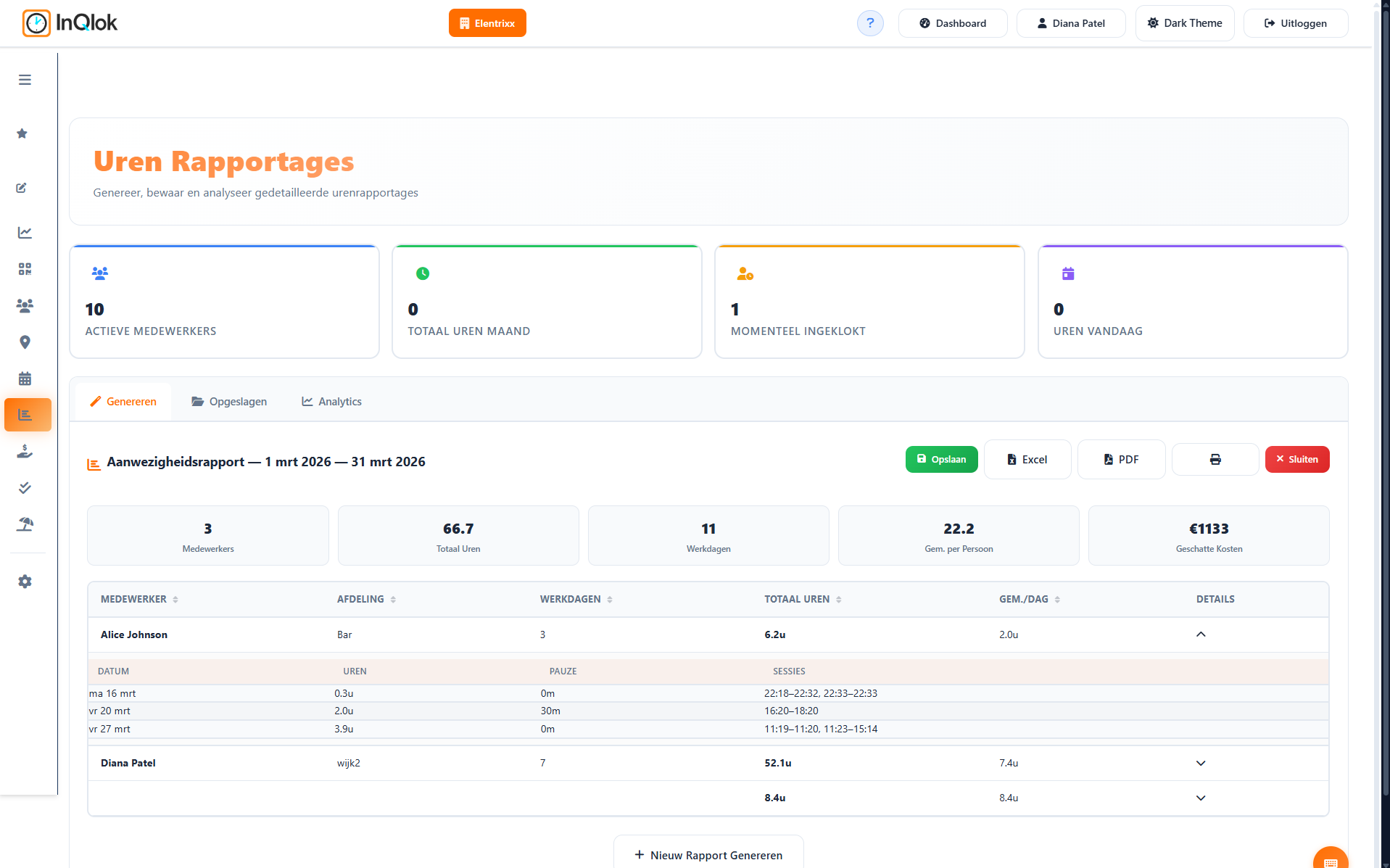
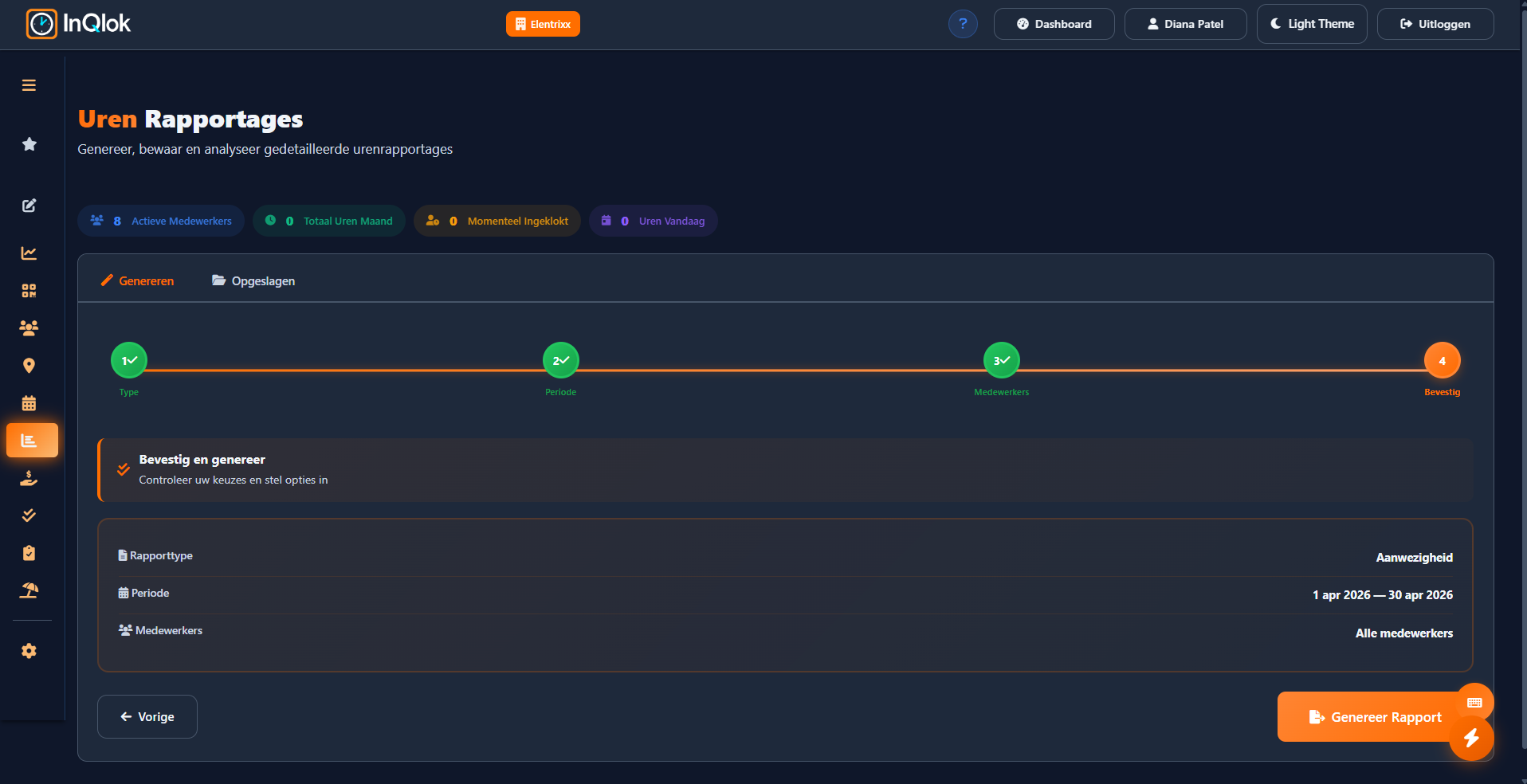
Reports
Build hours reports in four steps and export to Excel, CSV or PDF — or send them to Employes.nl.
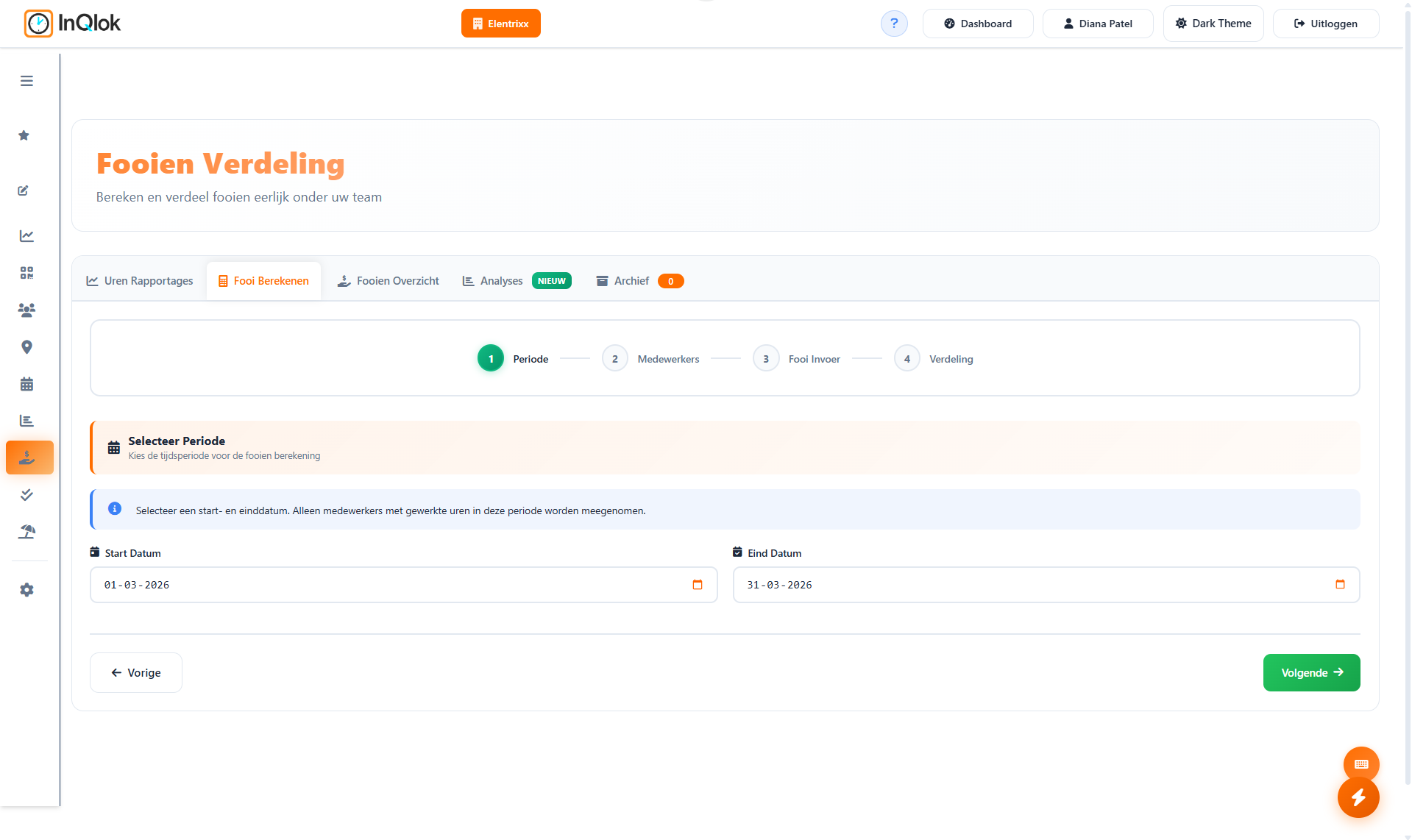
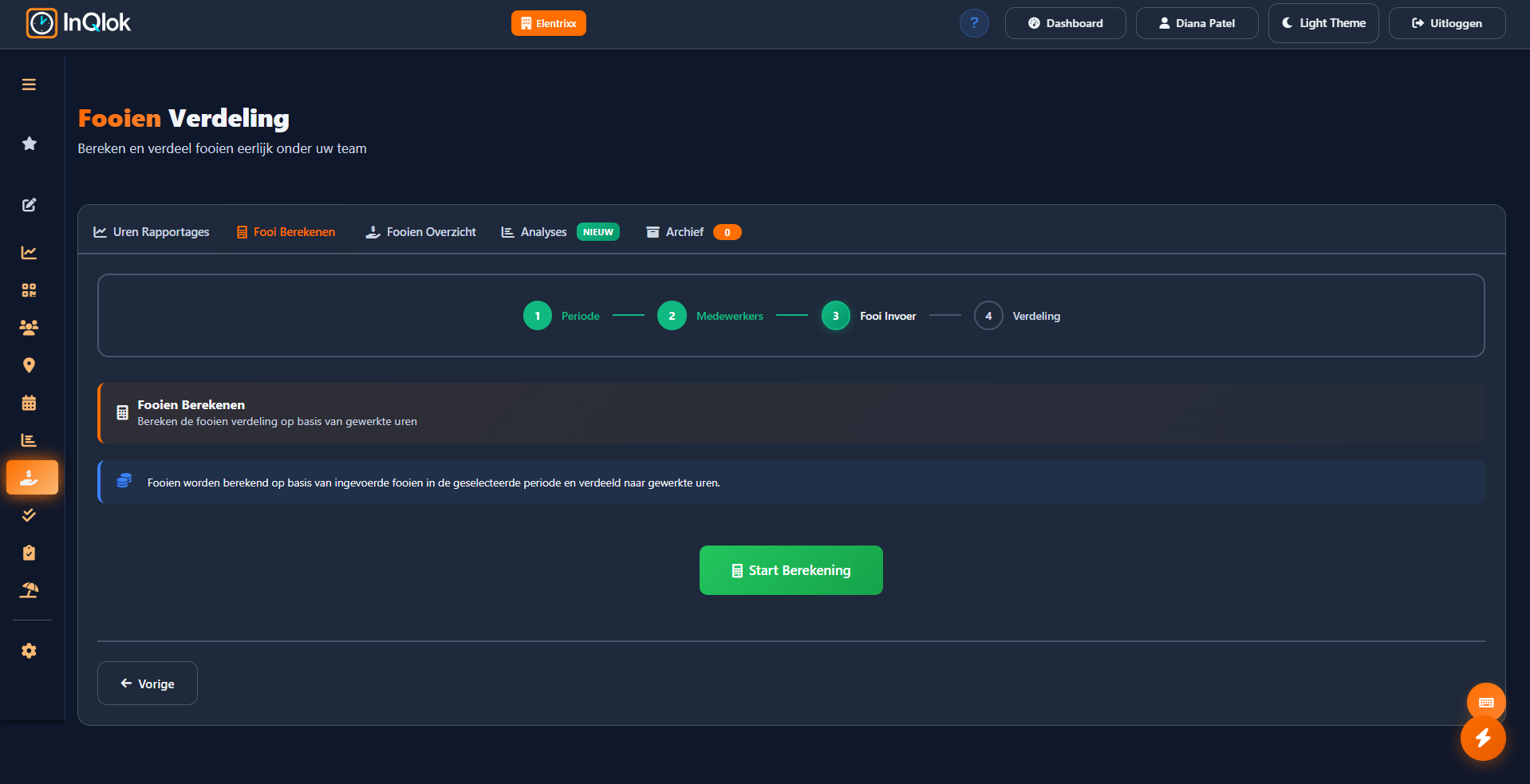
Tip wizard
Split tips fairly based on hours actually worked, in four steps, with analytics and a complete archive.
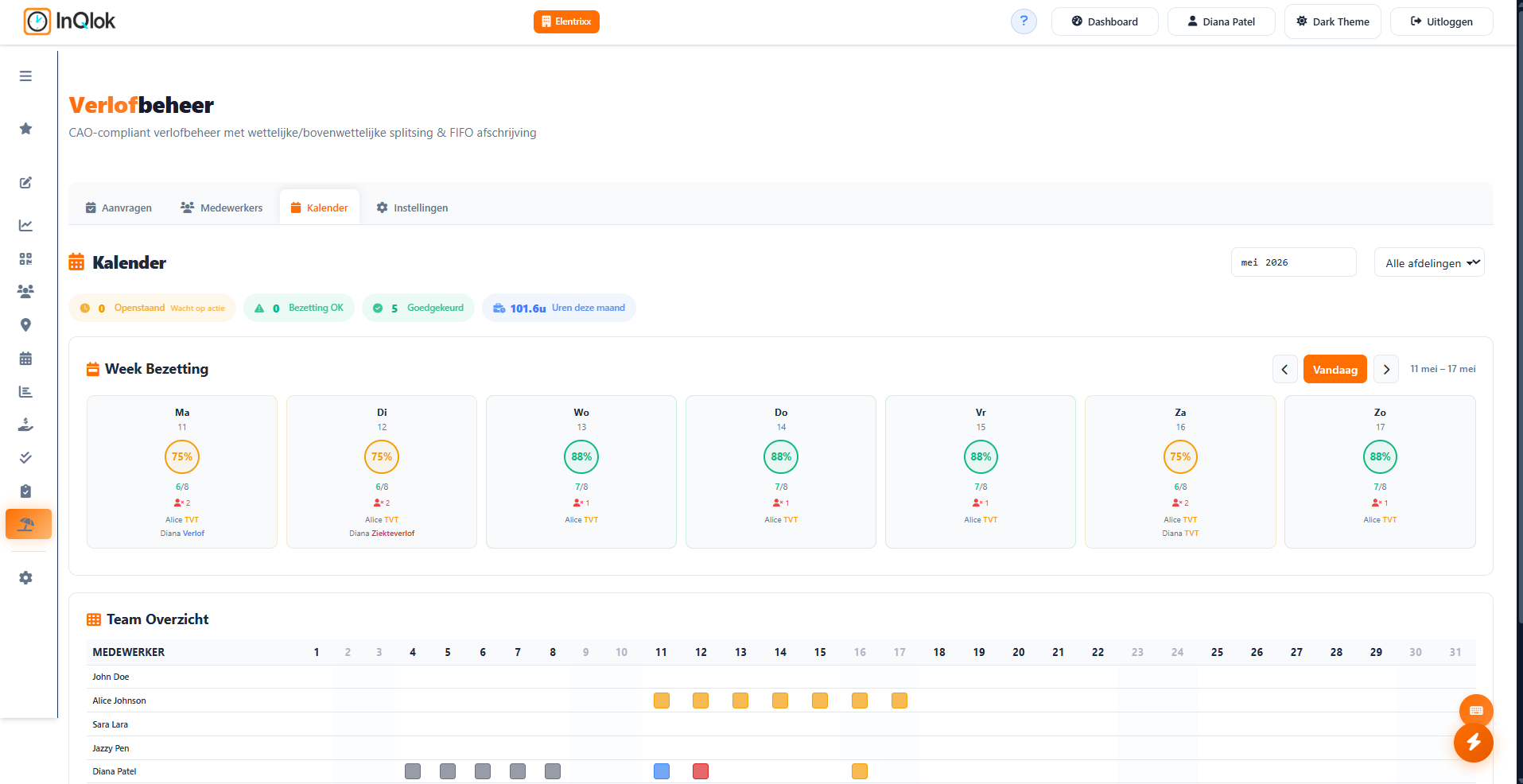
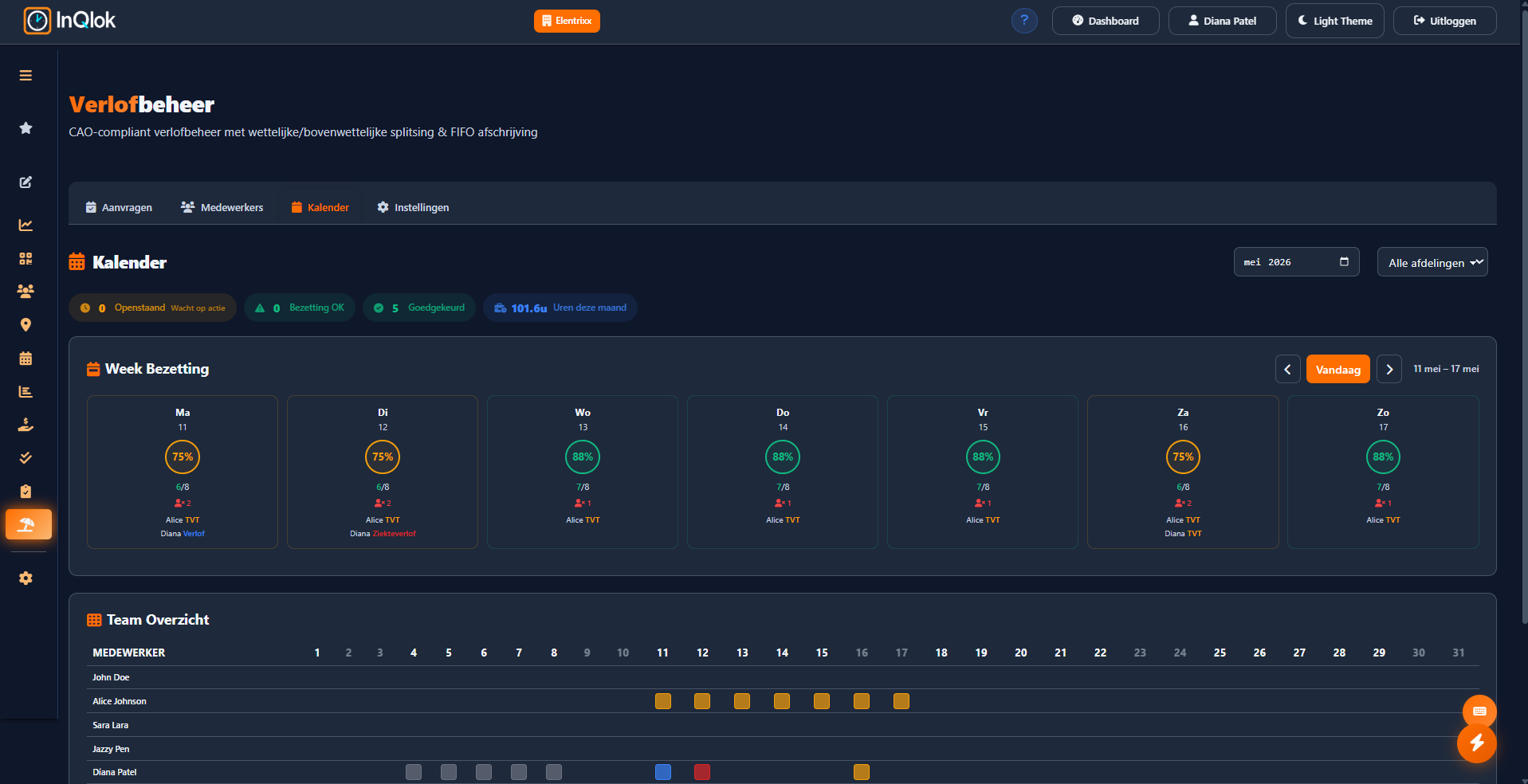
Leave calendar
Leave periods per employee in calendar form, including sick reports and approvals.
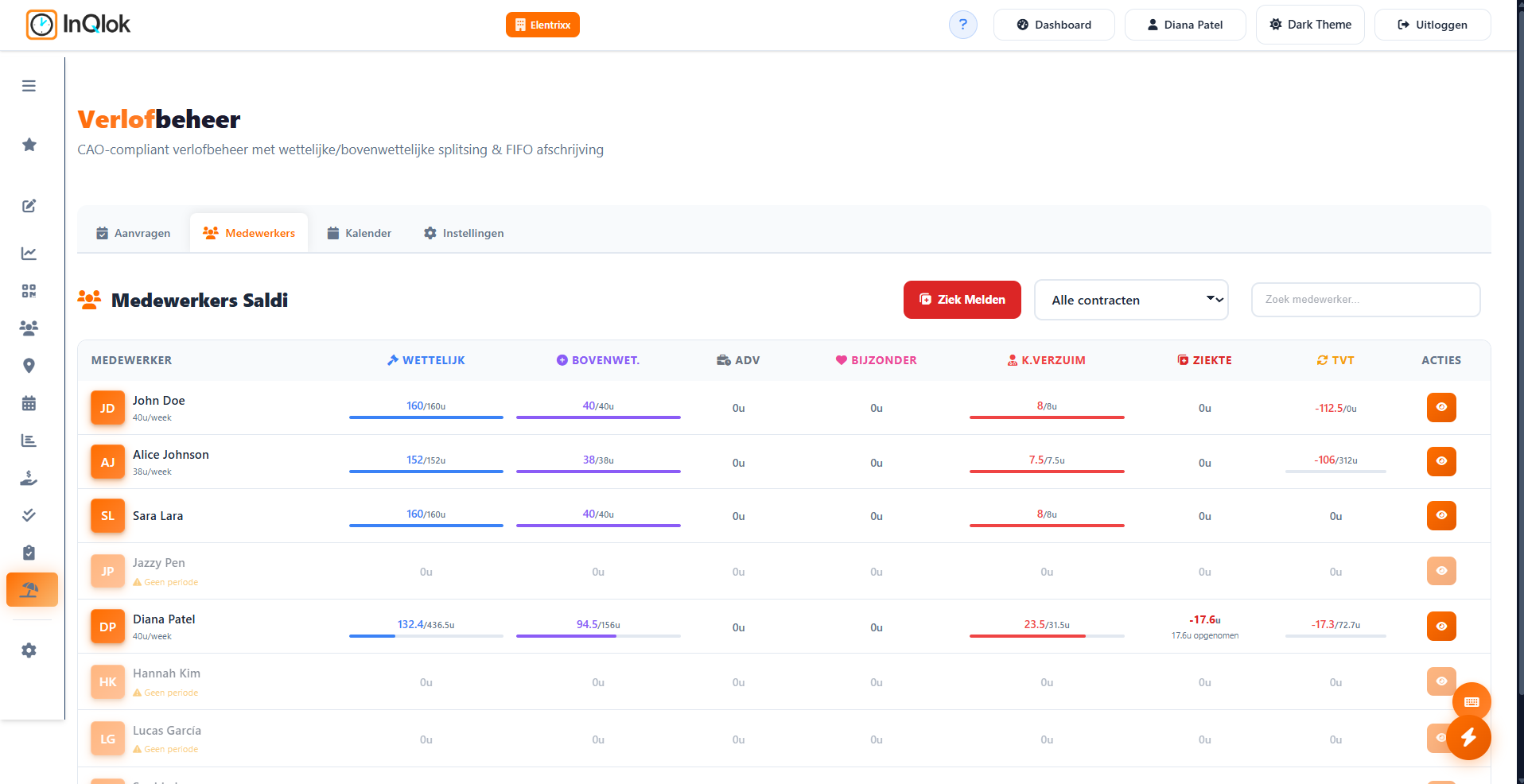
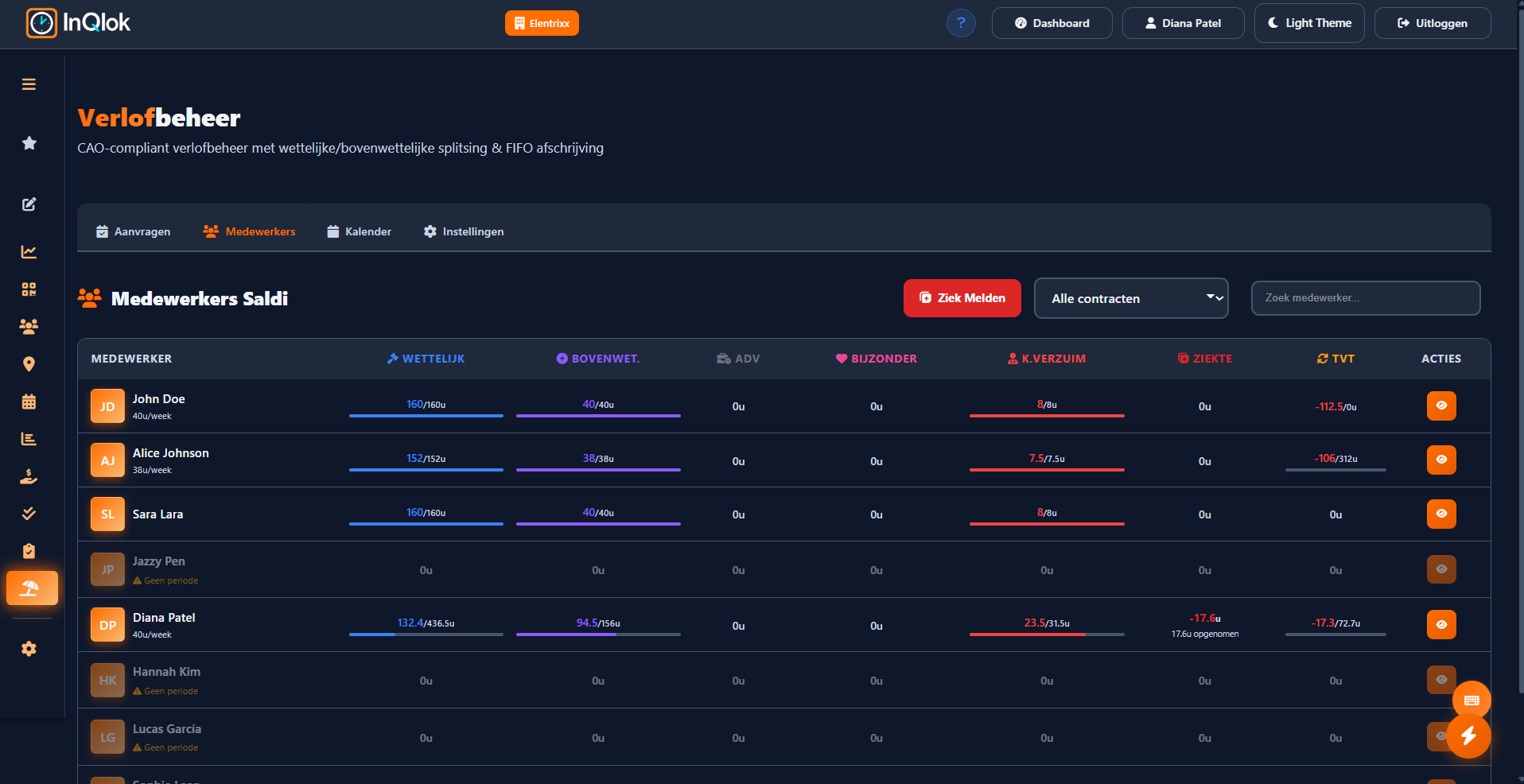
Leave balances
Statutory, above-statutory, sickness and time-for-time side by side, in line with your CLA profile.
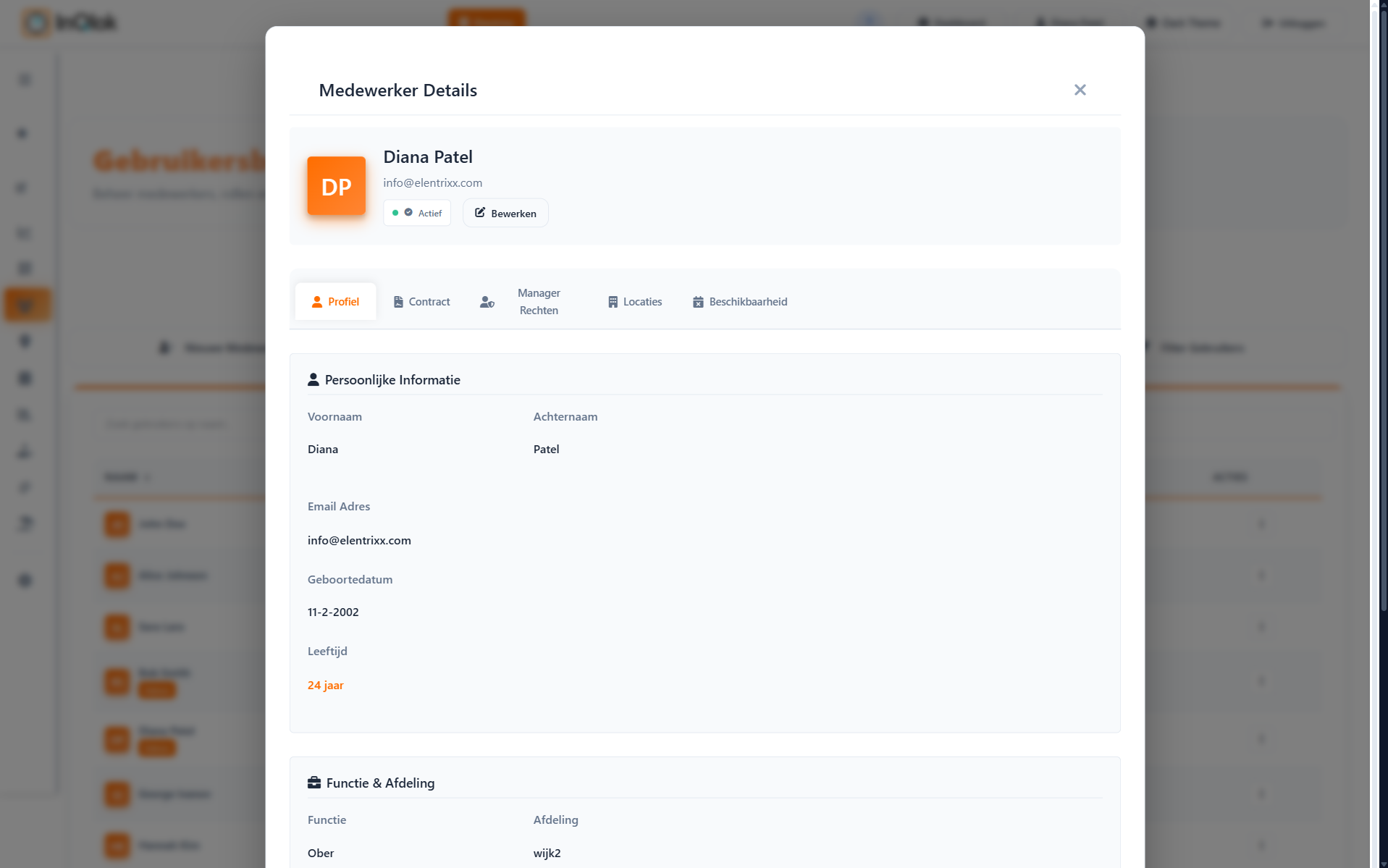
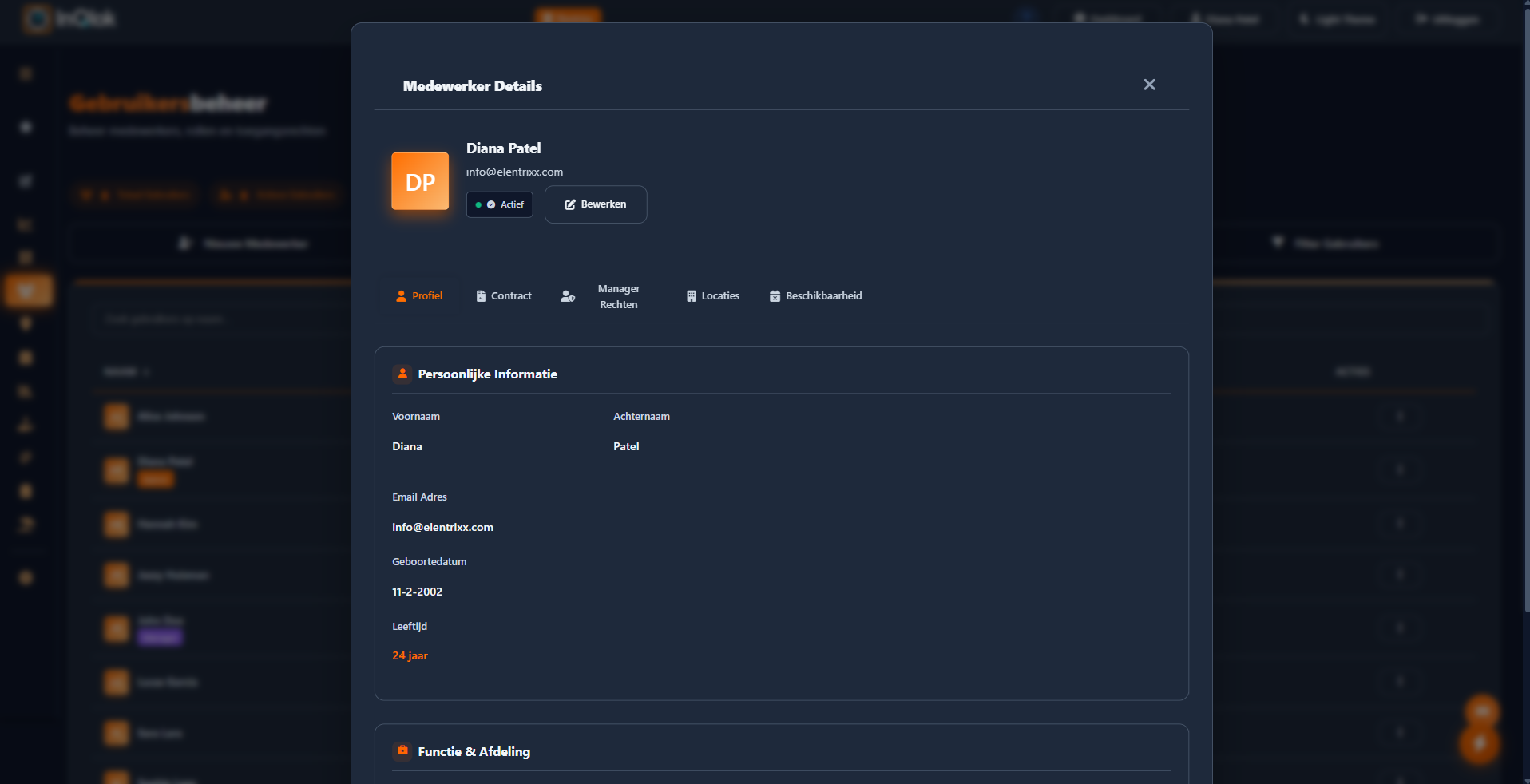
Employee management
Your complete team in one place: invite people, set roles and permissions and manage departments.
The employee app
The web app (PWA) employees install on their own phone — no app store needed.
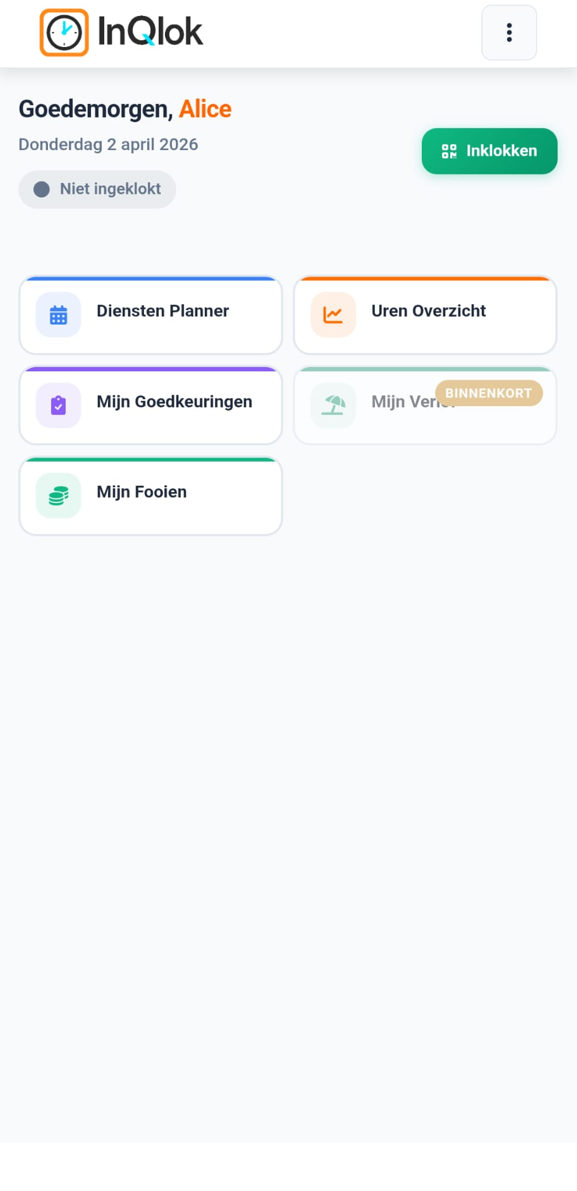
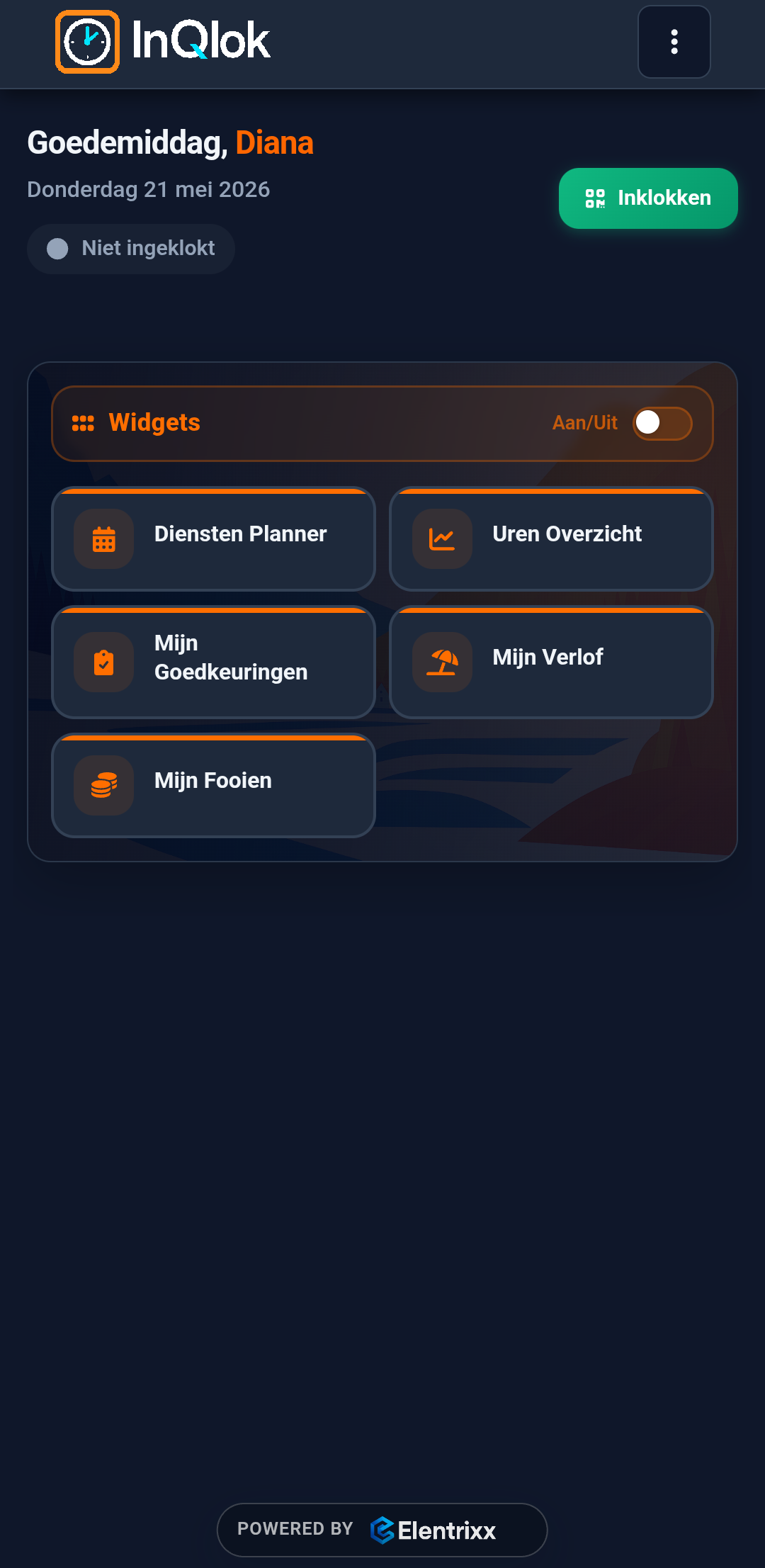
Home screen
Clock status, smart widgets and shortcuts — everything an employee needs day to day.
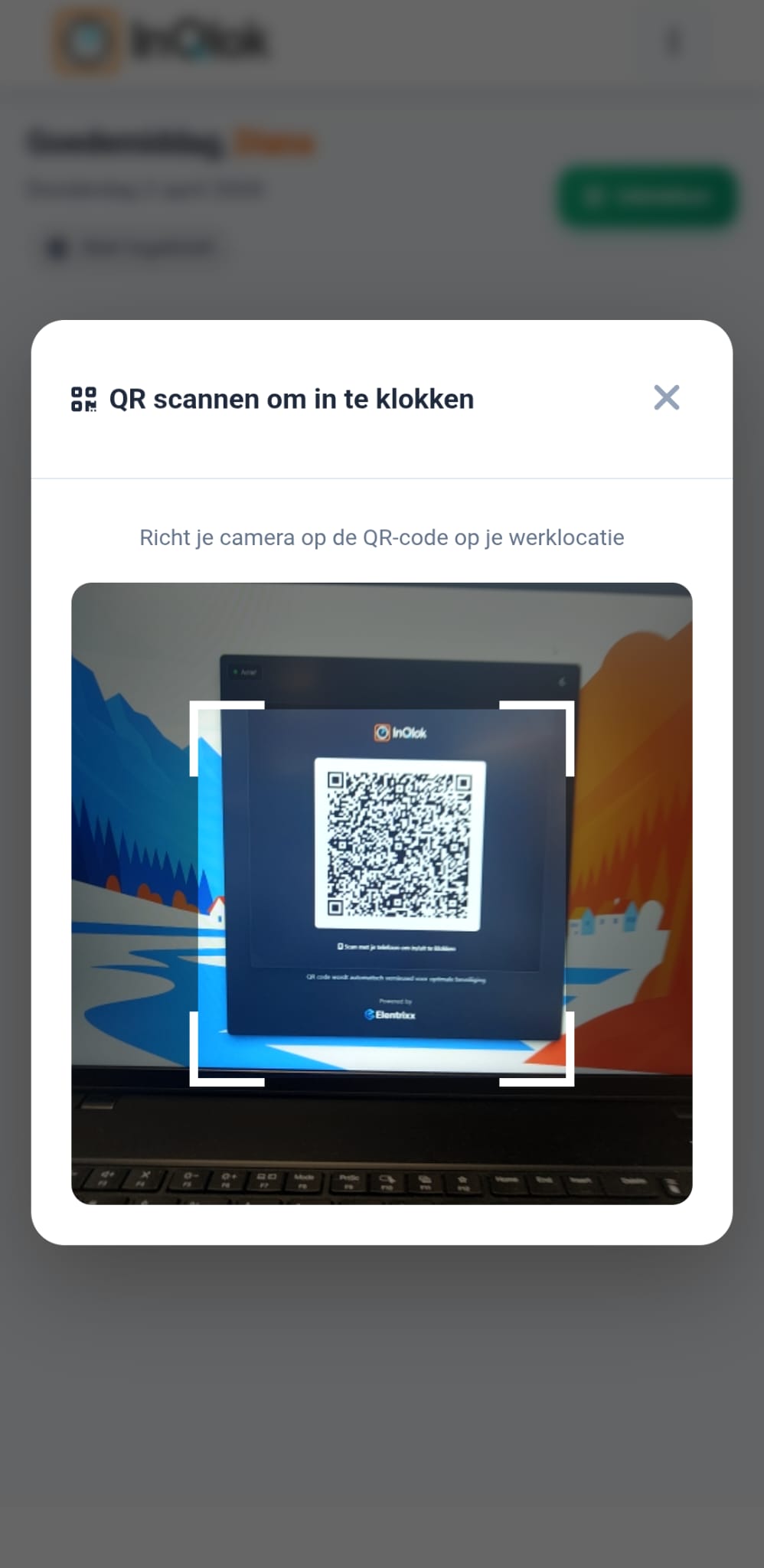
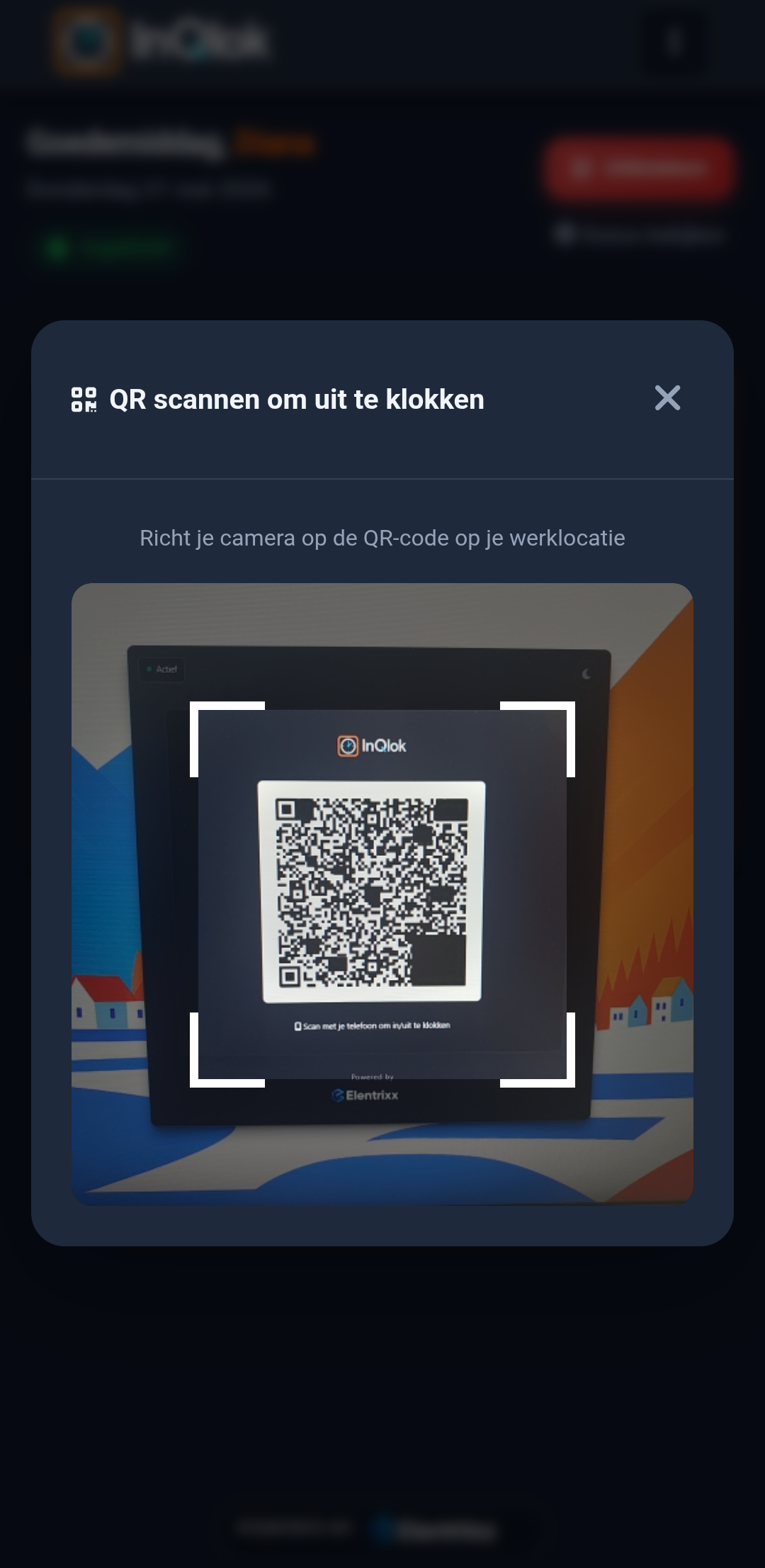
Clocking in
Scan a QR code, watch the shift count live, register breaks and enter tips when clocking out.
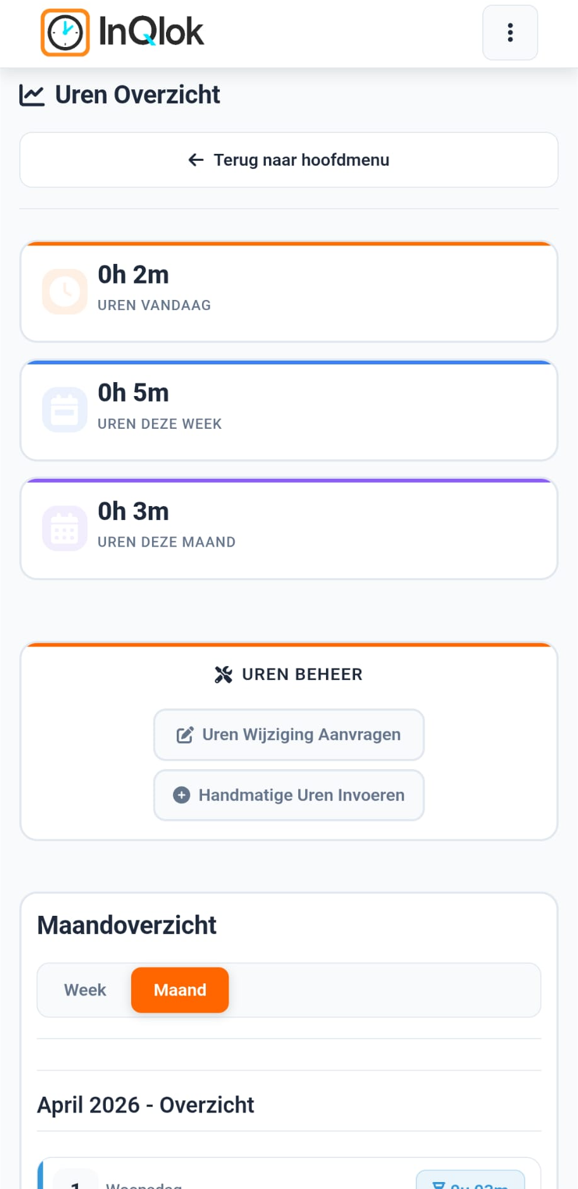
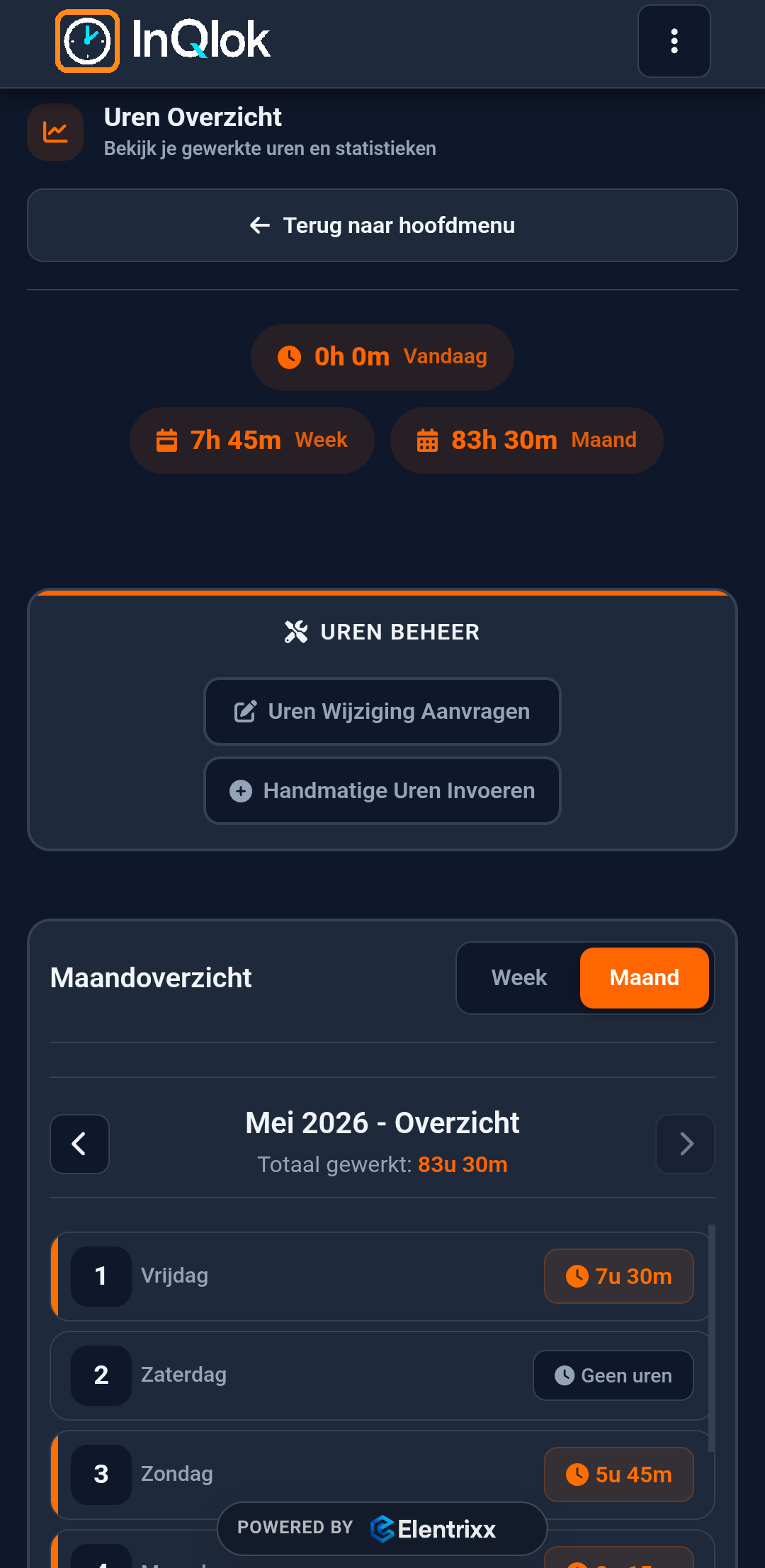
Own hours
Hours worked per week or month in a chart, with TVT history and the option to request corrections.
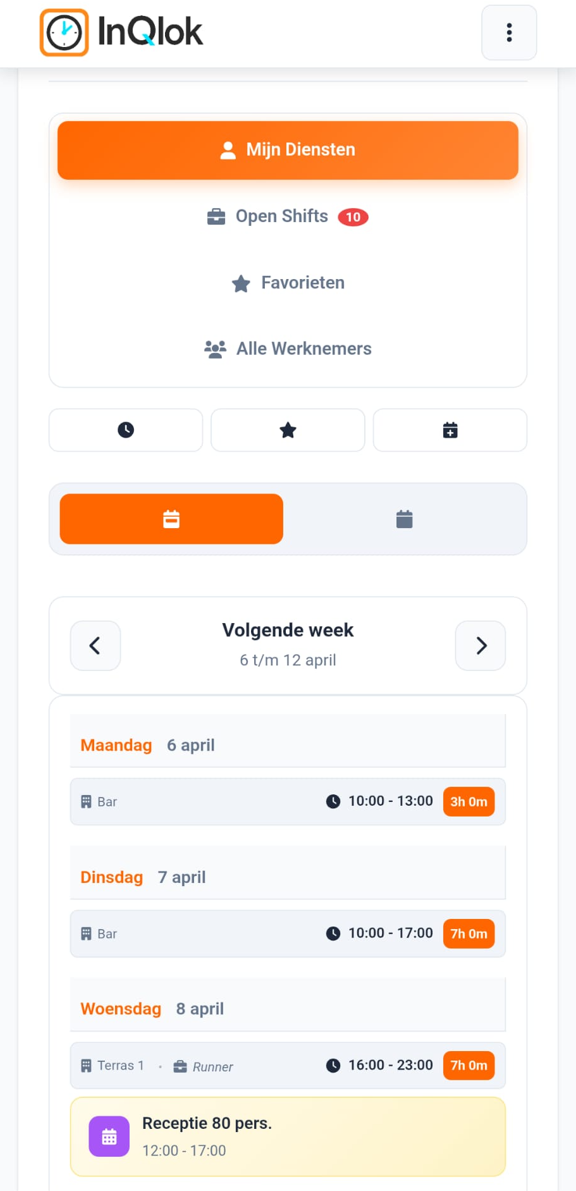
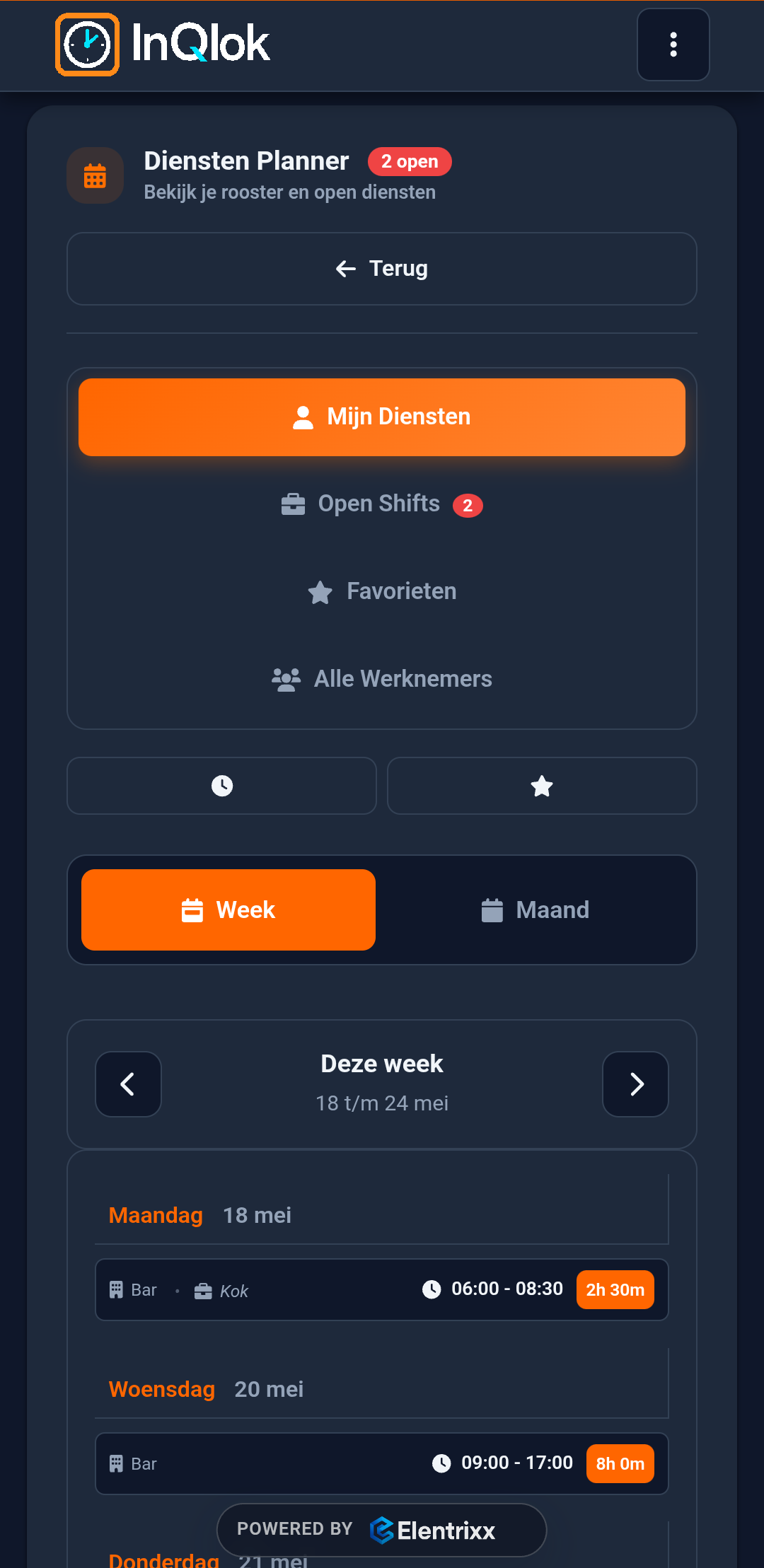
Schedule
Own shifts, the team schedule and open shifts employees can sign up for.
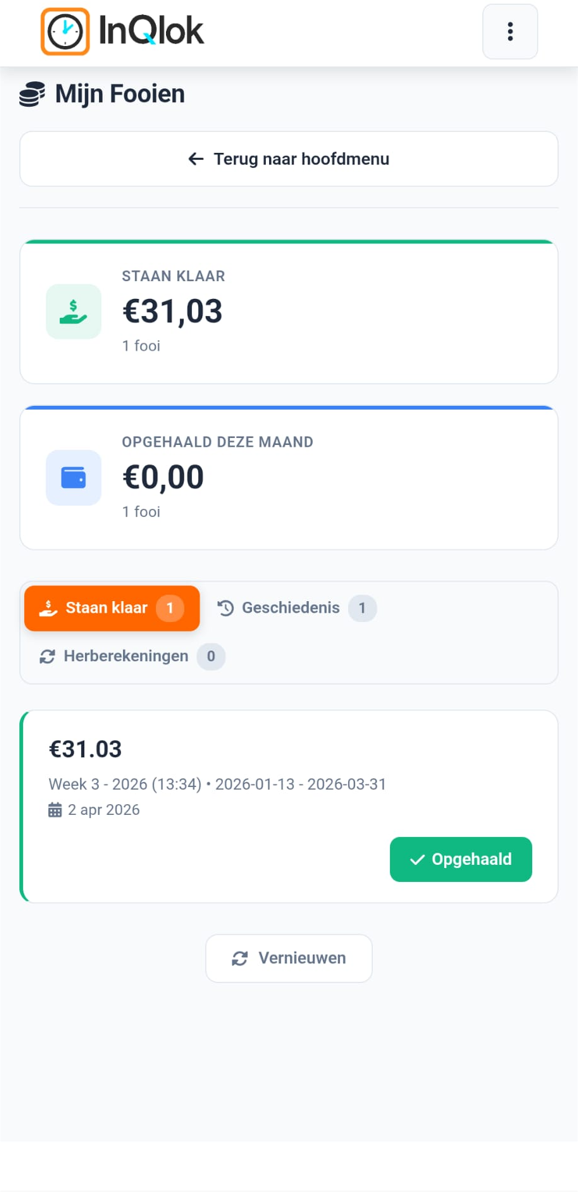
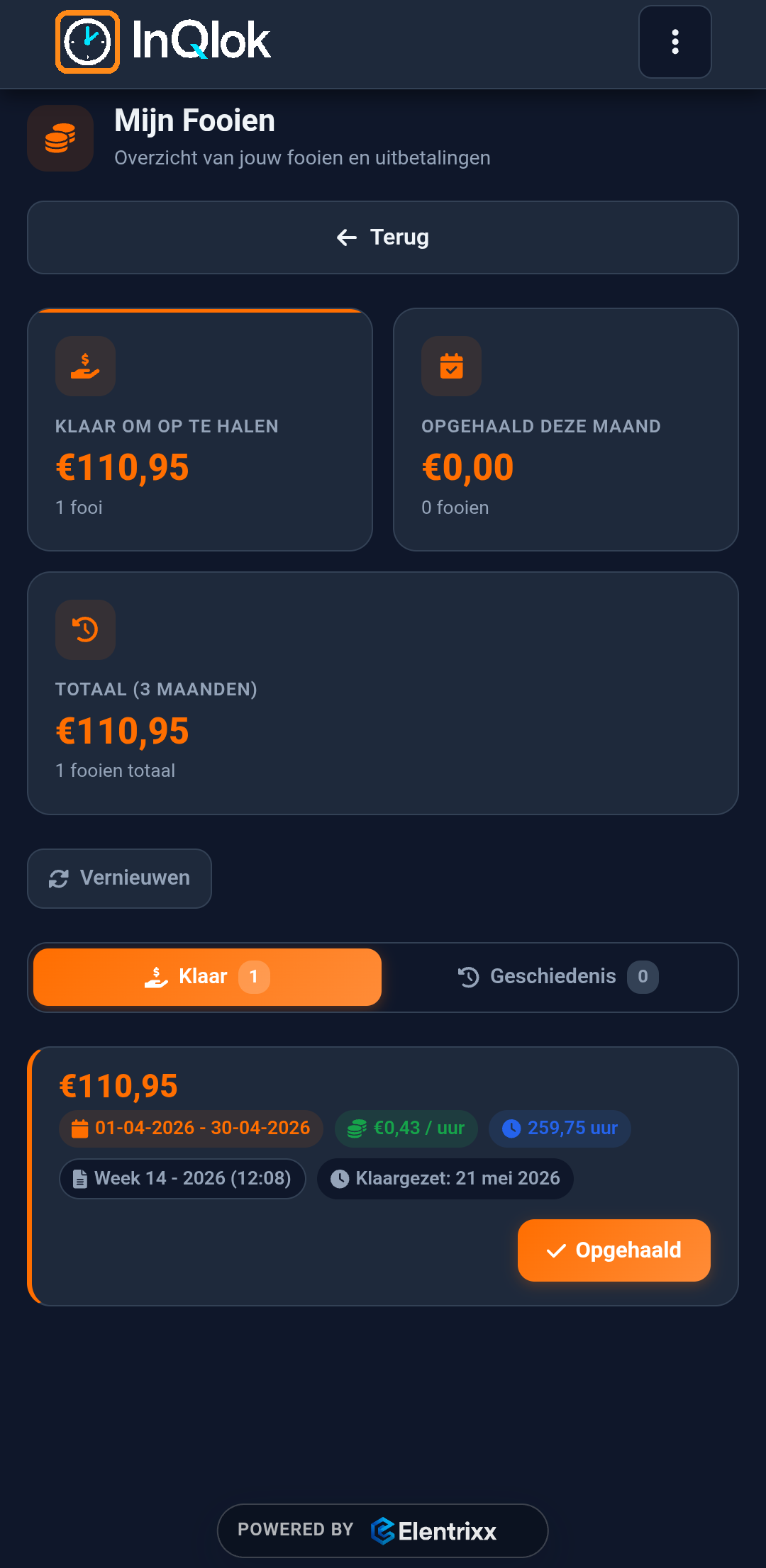
Tips
What's ready to collect and what has already been paid out — with the full history.
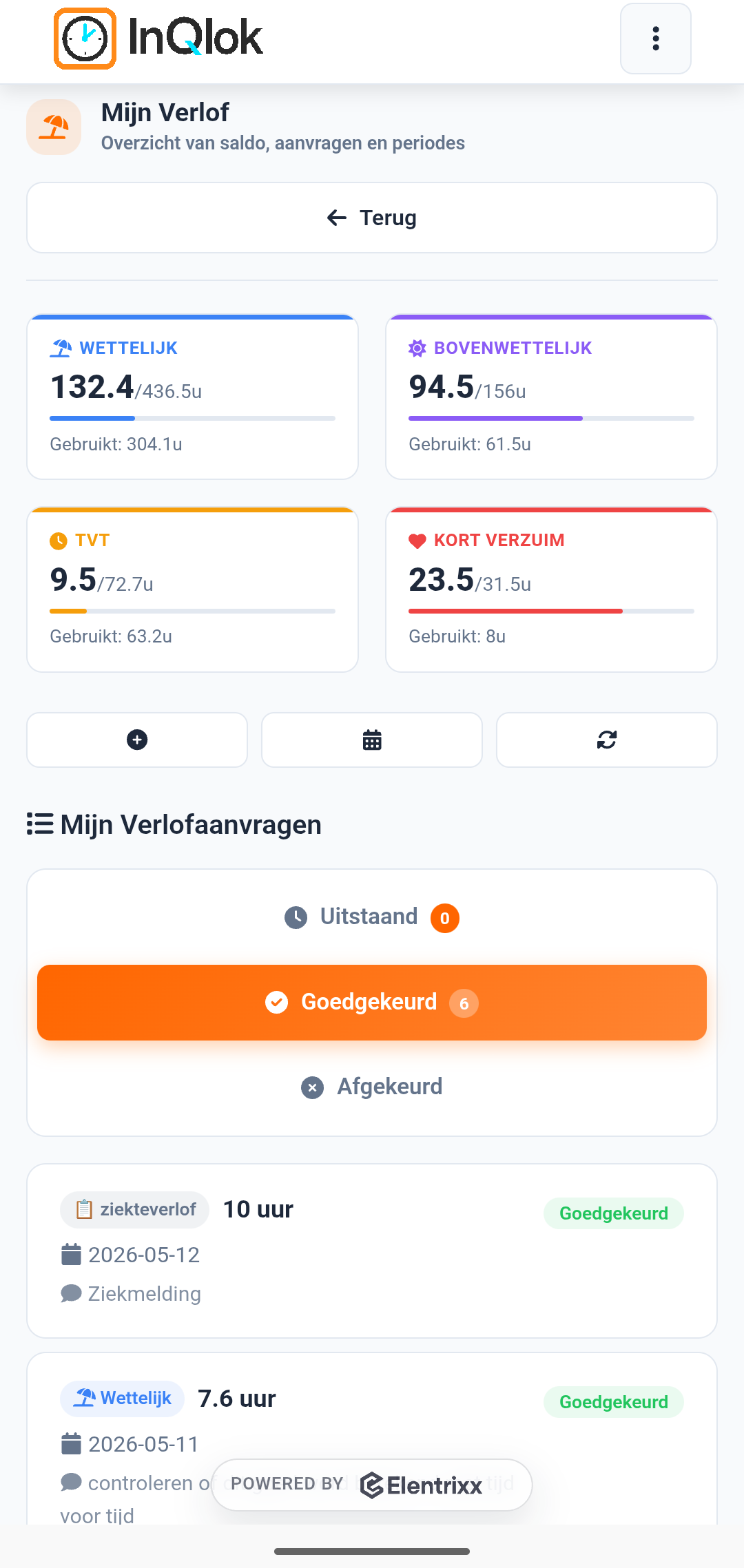
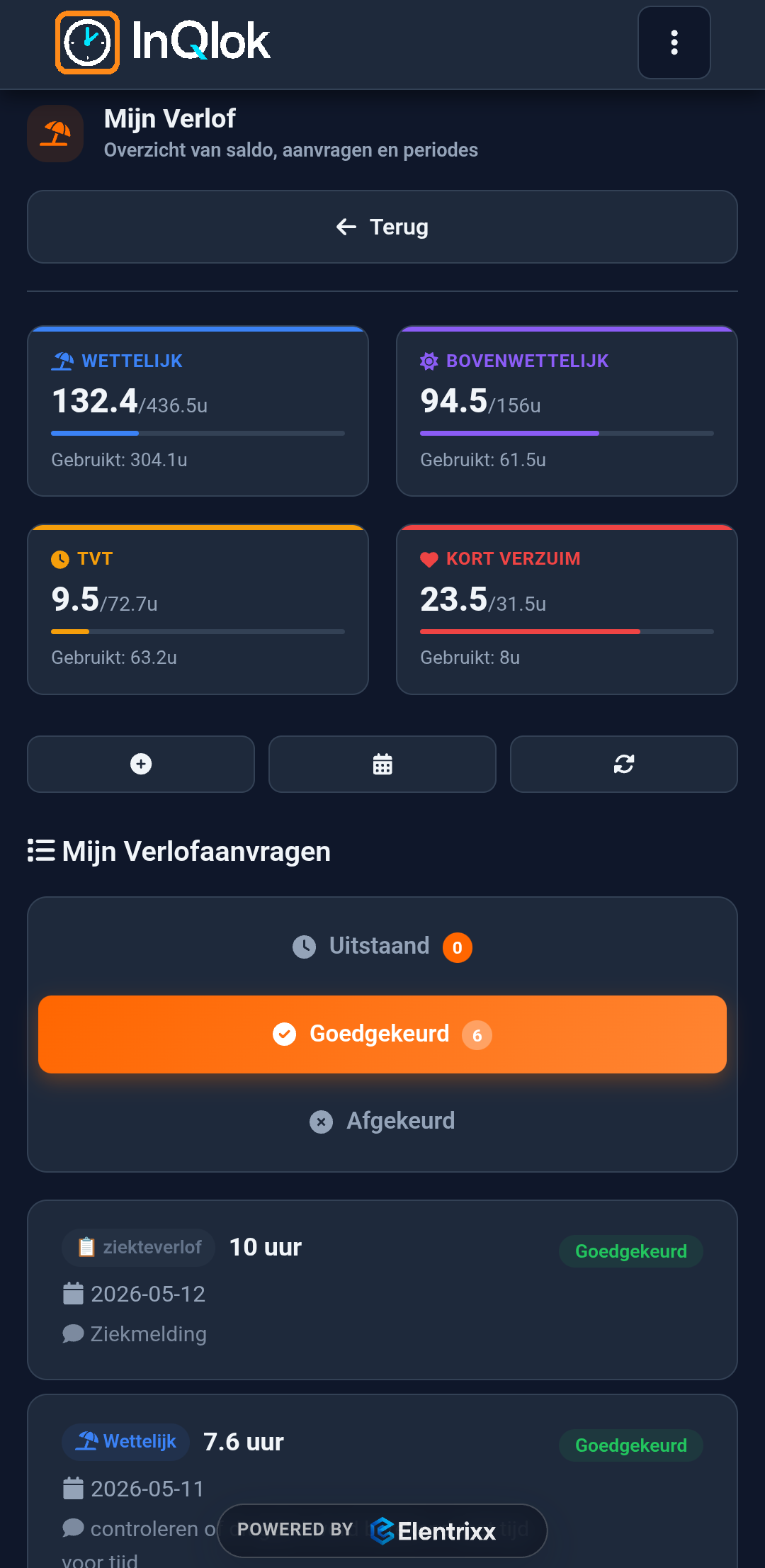
Leave
Check balances, pick a leave type and request it — the hours are calculated automatically.
Rather click than look?
Request a demo and try InQlok free for 30 days with your own team and roster.
30-day free trial · No credit card needed · Cancel monthly