Clock in with a QR code. Done in seconds.
No punch clock, no paper slips, no shared tablet. Employees scan your location's QR code with their own phone and their working time starts running — including breaks and tips.
Clock in and out without the hassle
One scan and the shift is running. At clock-out, the app instantly handles the admin you'd otherwise have to chase down.
- QR scanner in the app — clock in using the camera on their own phone
- Log breaks — quick picks of 5, 15, 30 or 60 minutes, or a custom duration
- Enter tips at clock-out — linked straight to the right day
- Emergency clock-out — forgot to clock out? Correct it afterwards with time and date, pending approval
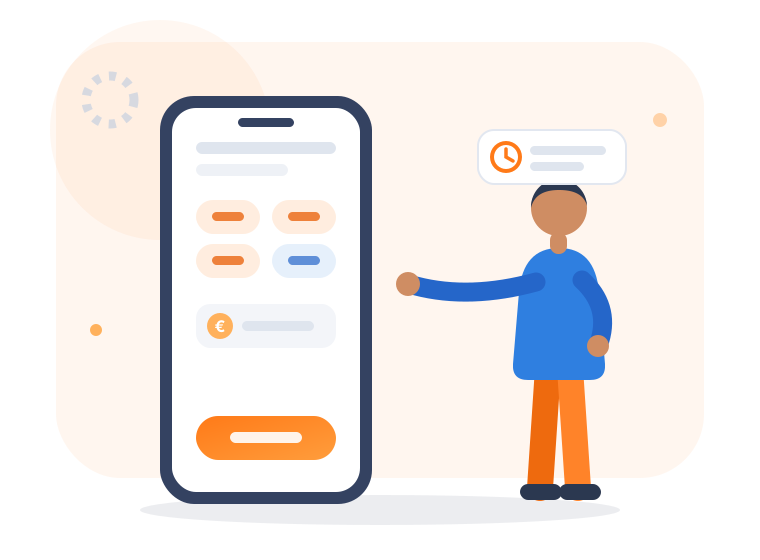
Live view of the running shift
As soon as someone clocks in, the app shows an active shift card that keeps counting, so nobody has to guess how many hours are already on the clock.
- Net time worked — live counter, breaks deducted automatically
- Break overview — today's breaks taken plus a break countdown
- Smart widgets — pick up to two widgets for the app's home screen
- Status in the bar — see at a glance whether you're clocked in or out
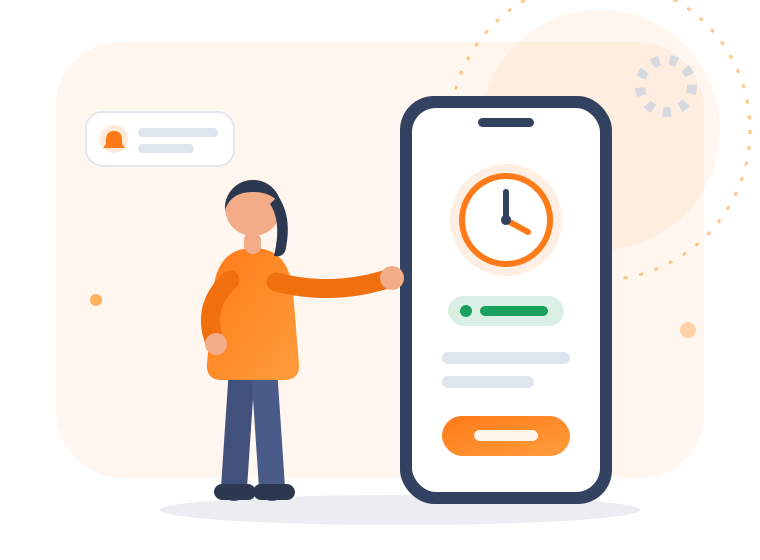
QR codes and locations under control
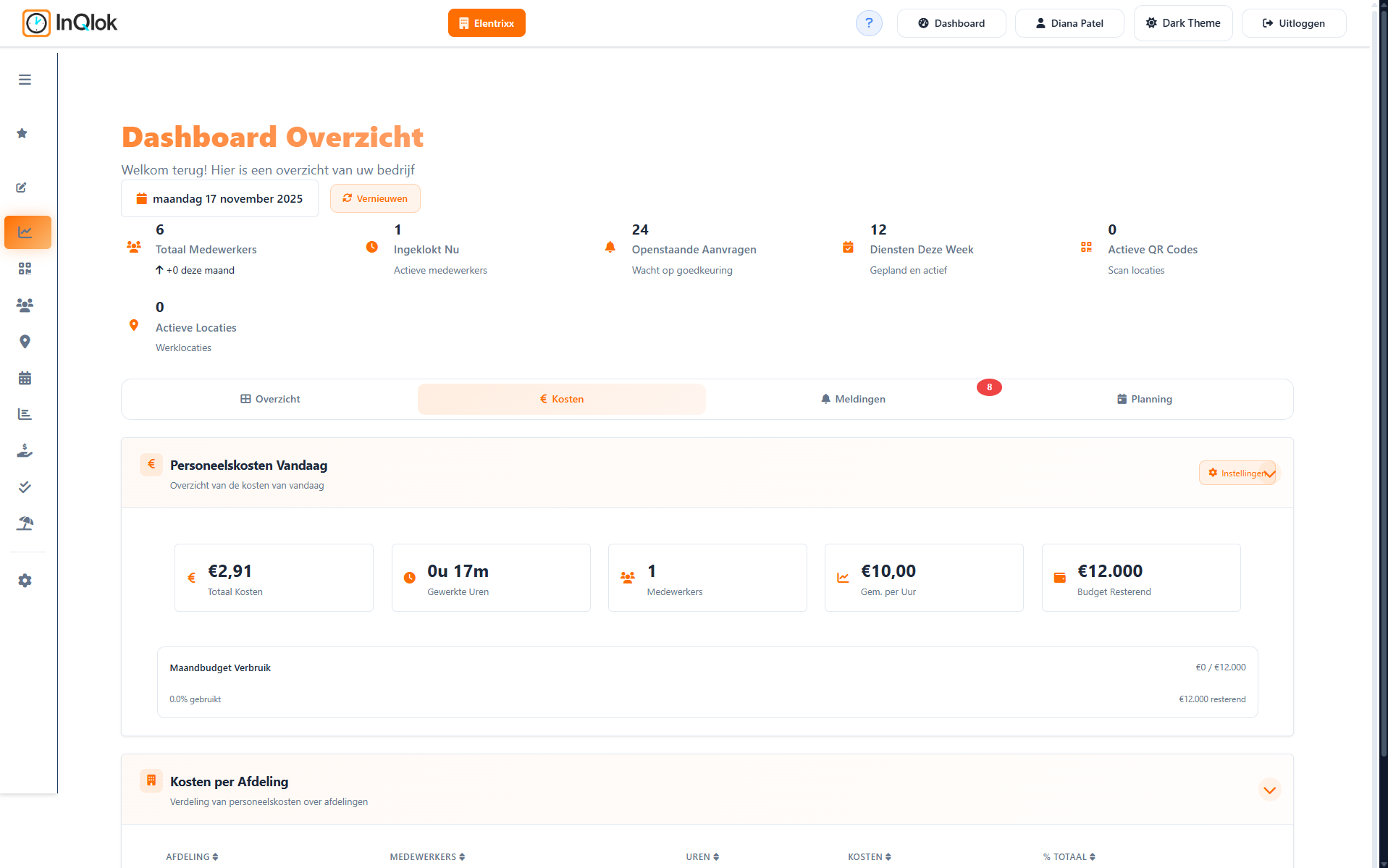
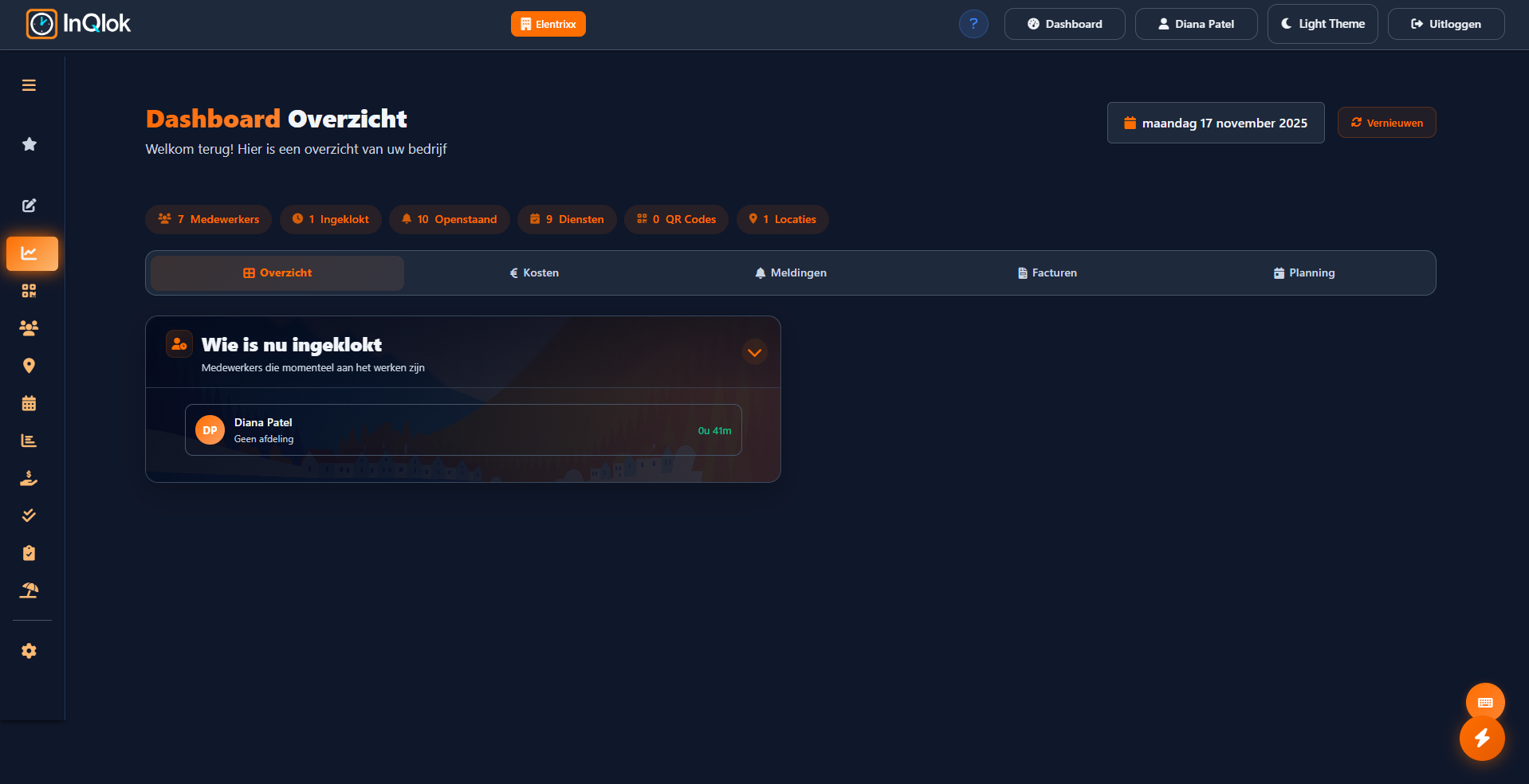
You decide where clocking is allowed. Create QR codes per location, put them up or show them on a screen — and watch live on the dashboard who's in.
- QR codes per location — create them, download as PNG or show them on a screen via a display link
- Validity & clean-up — codes expire automatically and can be cleaned up in bulk
- Live dashboard — who's clocked in right now, active QR codes and today's staff costs
- Rounding rules — decide for yourself how clock-in and clock-out times are rounded
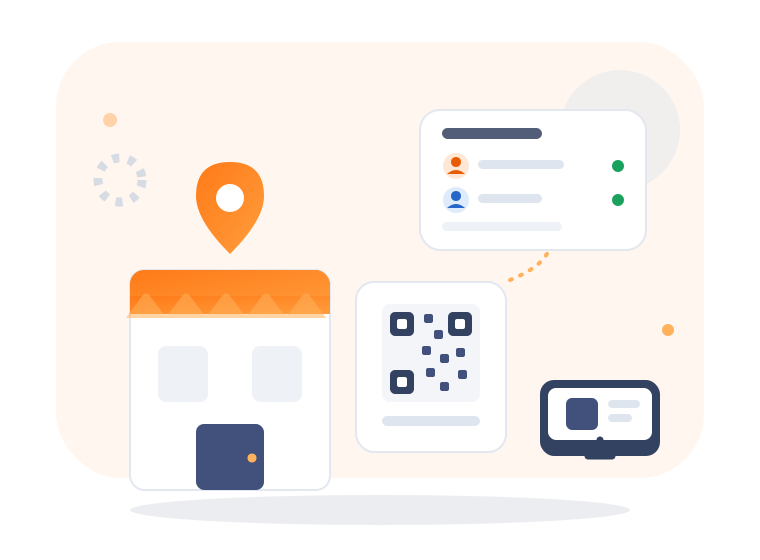
Everything around clocking
Flexible break rules
Choose whether employees select their break during the shift or enter total break time at clock-out.
Approval on clock-outs
Require clock-outs and manual entries to pass by a manager before they count.
App without an app store
InQlok installs as a web app (PWA) on iOS and Android, so your team is up and running in minutes.
Push notifications
Employees and managers get notified about the events you switch on.
Manual hours
Forgot some hours or worked off-site? Employees enter them manually, you approve.
Light & dark theme
The app follows the employee's preference — handy on late shifts.
Clocking in with QR codes as soon as tomorrow?
Request a demo and see how quickly your team switches from punch clock or paper slips to InQlok.
30 days free · No credit card required · Cancel monthly