Your business, your rules. One panel for everything.
Invite employees, decide who can do what, set up departments and locations, and manage multiple branches if you need to — all from one admin panel.
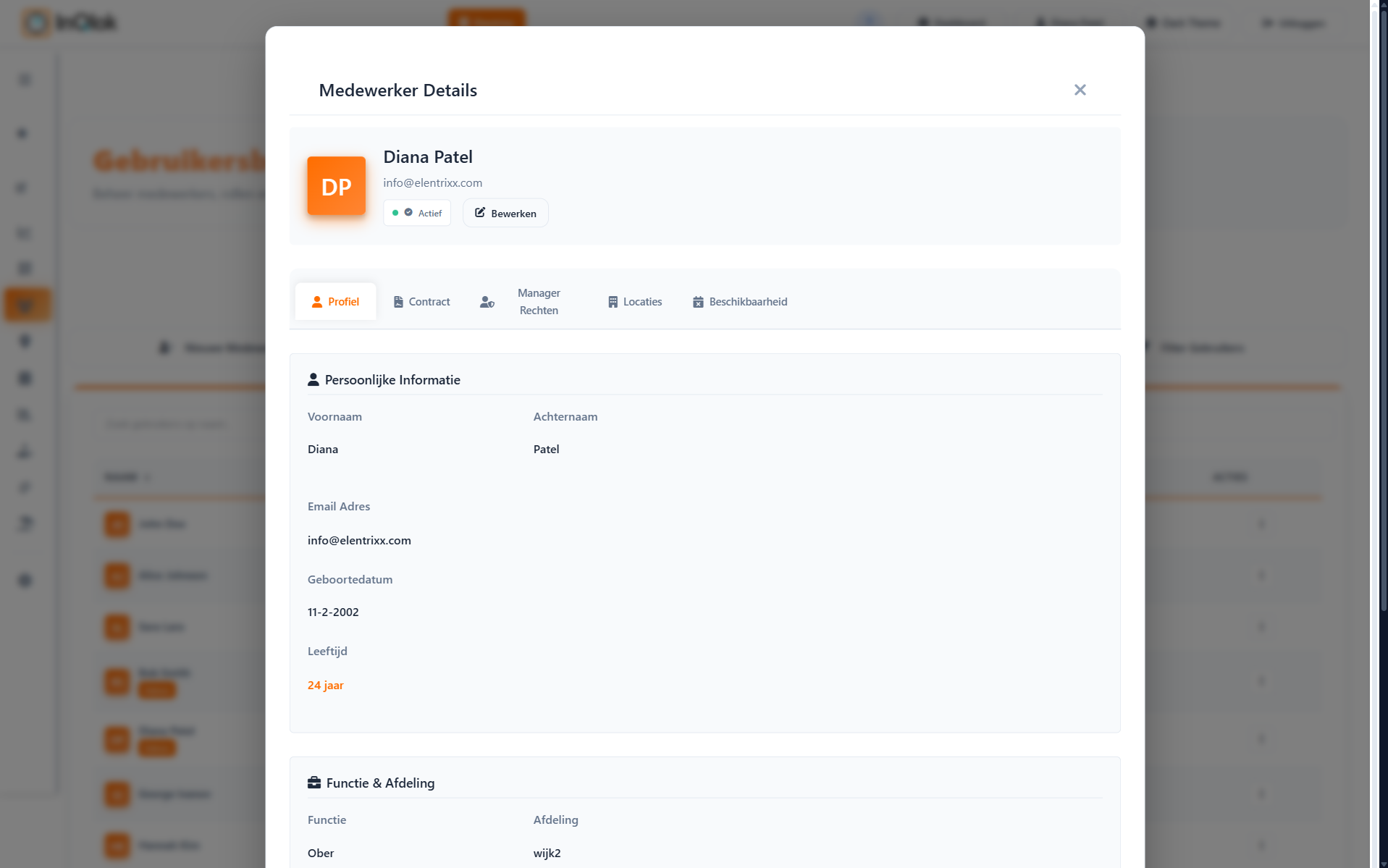
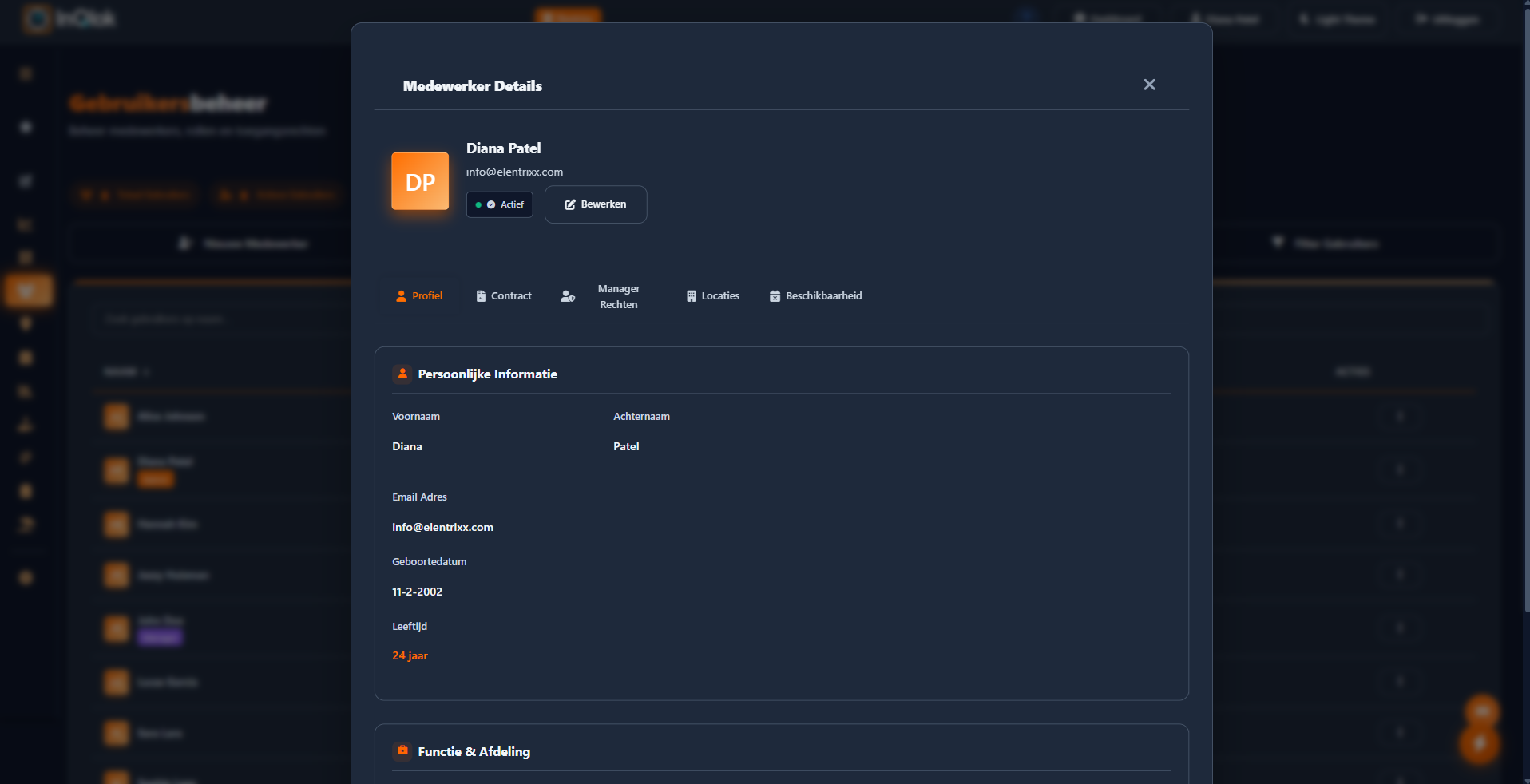
Your team in one place
From invitation to offboarding: your complete employee directory with roles, departments and job titles.
- Invite by email — employees create their own account and show up in the system right away
- Three roles — employee, manager and administrator, each with their own access
- Departments and job titles — organise your team the way your business works: kitchen, service, bar
- Active and inactive — keep former employees on record without them getting in the way

Decide exactly who can do what
Managers help you run the day-to-day — without needing access to everything. And you set your company rules just once.
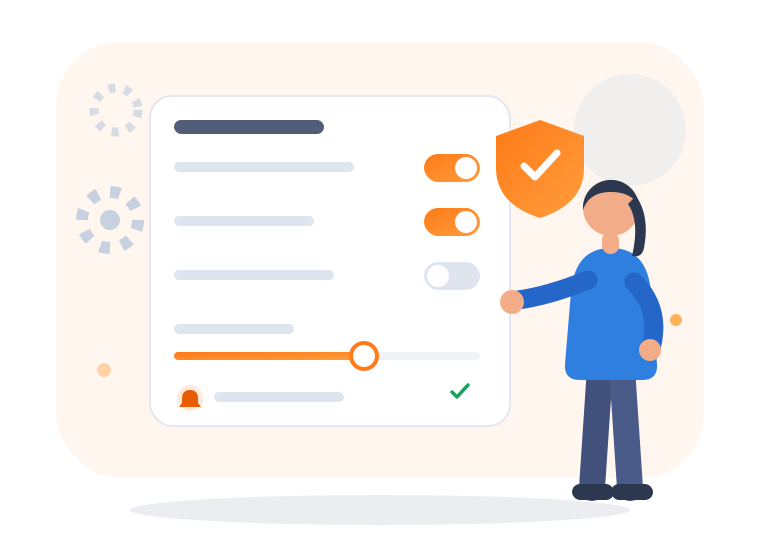
- Permissions per manager — approving hours, creating QR codes, calculating tips, exporting: toggle each permission on or off
- Time tracking settings — rounding rules and validation of clock times
- Break and approval policy — decide how breaks are recorded and what needs approval first
- Push notifications per event — choose which notifications your team and you receive
Multiple branches, one administration
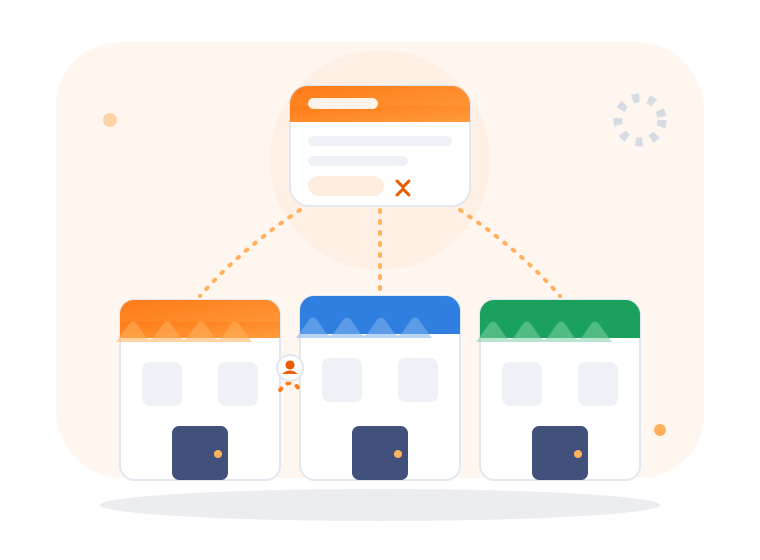
Is your business growing? Switch on multi-branch mode and manage all your locations from the same account.
- Branch switcher in the header — jump between your businesses instantly
- Transfer employees — move someone to another branch without creating a new account
- Settings per branch — each business gets its own rules where needed
- Locations and QR codes per business — address, opening hours and clock-in locations kept neatly separate
Administration without needing a manual
Quick-start guide & manuals
Searchable, built-in manuals that walk you through the setup step by step.
Help within reach
The 'Need help?' button automatically gathers the right details for a support request.
Invoices
View your InQlok invoices right in the dashboard.
Notification overview
Recent events and alerts collected on the dashboard.
Light & dark theme
The entire admin panel works in both themes.
Employes.nl integration
Connect your payroll administration and send approved hours straight through.
One panel for all your staffing matters?
Request a demo and see how quickly you can set up InQlok for your team — or for all your branches at once.
30 days free · No credit card required · Cancel monthly