

The weekly schedule is done. In minutes, not hours.
Plan shifts per department in a clear weekly grid, let the system watch for conflicts and legal limits, and publish the schedule to your whole team in one click.
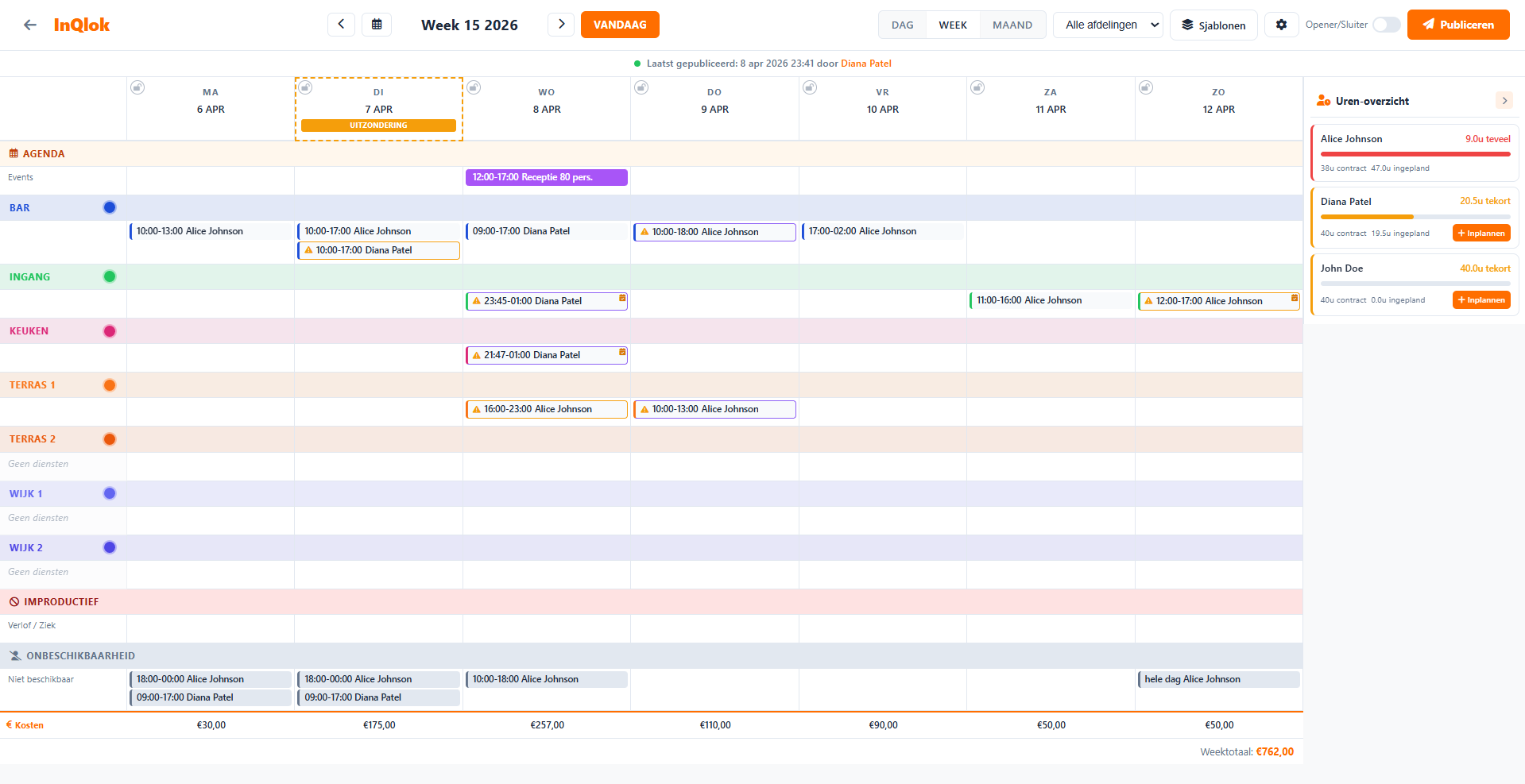
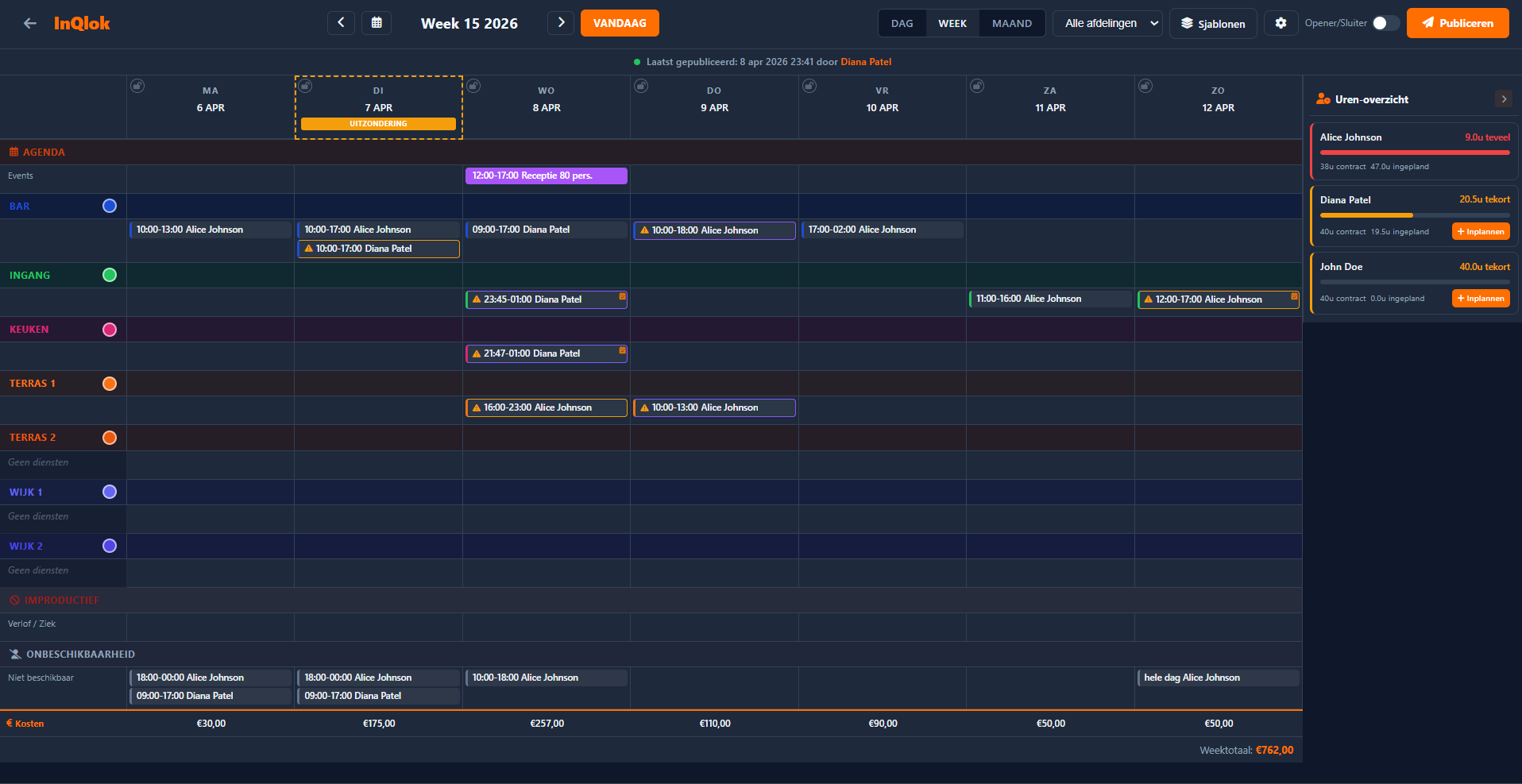
Plan the week in a clear grid
Monday through Sunday, per department, with colour codes per team. Shifts are created in seconds — and anything that comes back often, you never plan twice.
- Week, day and month views — switch perspectives to suit the situation
- Departments with their own colours — kitchen, service, bar: instantly recognisable
- Quick duration presets — 4, 6 or 8 hours, or your opening hours as the default
- Recurring shifts — daily, weekly or biweekly, up to 52 repetitions
- Week templates — save an entire week and apply it again later

Open shifts and your team's availability
Not every shift needs a name up front. Open up shifts and let employees sign up — you stay in control.
- Open shifts — plan without an employee, the team signs up
- Review claims — assign a sign-up or pick someone else yourself
- Submit availability — employees submit recurring unavailability, subject to approval
- Favourites & colleagues — employees follow up to 10 favourite colleagues and see the team schedule

Publish with confidence
Everything you plan starts as a draft. The system flags conflicts before the schedule goes to your team — and you see right away what the week will cost.
- Draft versus published — publish only when everything is right, with full undo/redo
- Conflict detection — warnings for leave, unavailability and double bookings
- Working Hours Act check — enforce the Dutch Working Hours Act (ATW): warn or block, you choose
- Opener and closer check — see per day whether someone can open and close
- Labour costs at a glance — estimated costs per day and per week (admins only)

Smart planning down to the details
Opening hours & closed days
Set opening hours per day, support night shifts past midnight and block closed days.
Track contract hours
The hours bar shows contract hours versus scheduled per employee, with smart suggestions to adjust.
Calendar & events
Link shifts to events such as catering or parties, with their own colour and description.
Unlimited undo
Undo and redo across all your draft changes, even after closing the browser.
Filter by department
Show only the department you're working on and keep large schedules easy to read.
Clean up the week
Remove draft shifts in one go, or clear an entire week to start fresh.
L1NDA integration
Coming from L1NDA? Import your existing schedules so you don't start from scratch when you switch.
ORBIT4 integration
Reservations and expected covers from ORBIT4 flow into the shift planner, so you know how busy a shift will be.
Done puzzling in Excel?
Request a demo and see how you can set up your business's weekly schedule in minutes.
30 days free · No credit card required · Cancel monthly